





Web Development Bootcamp
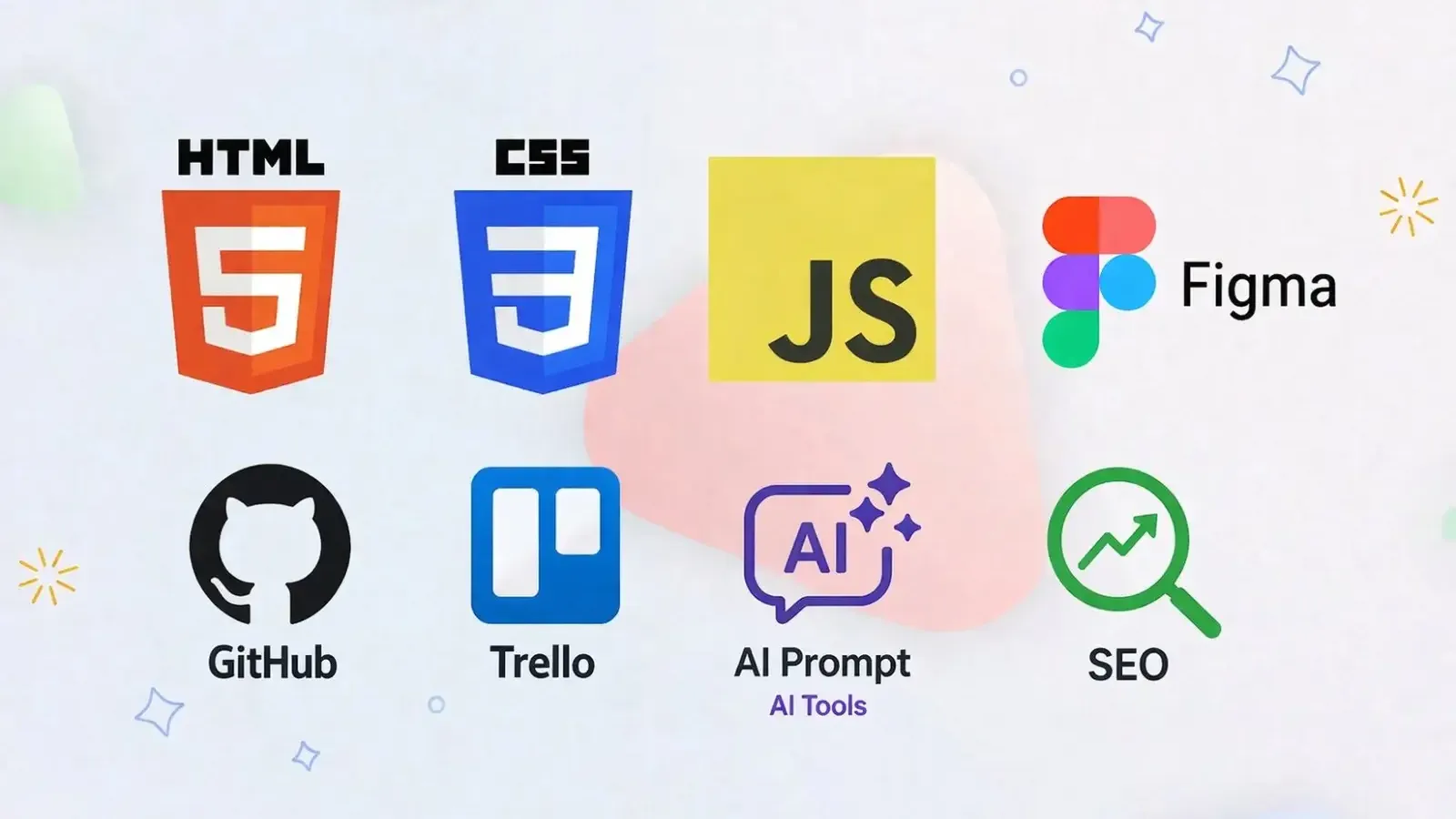
Beginner-friendly 3-month bootcamp for SEE-level students - design in Figma, build websites with HTML, CSS & JavaScript, go dynamic with PHP & MySQL, then learn SEO, AI tools, and deploy your own live site.
Access
mobile and TV
Completion
Course Overview
What You Will Learn:
Web Foundations: How the internet and websites work
Design basic: UI/UX principles, layout, colours , typography , figma basic
Frontend basic: HTML, CSS, Basic JavaScript
Backend Basics: Introduction to PHP and MySQL (server-side logic & database handling)
Responsive Design: Making websites work on mobile & desktop
SEO Fundamentals: Making websites searchable
AI for Creators: Using AI tools for design and coding
Developer basics: Intro to Git & GitHub pages deployment
Project Management Tools: Managing and Tracking project progress using Trello
COURSE OBJECTIVES
By the end of this 12-week program, you will be able to:
Understand how websites work from the ground up
Build clean, structured, and semantic HTML pages
Design modern, responsive layouts using CSS
Bring your websites to life with basic JavaScript interactivity
Work on real-world mini projects to strengthen your skills
Develop dynamic websites using PHP
Work with databases using MySQL
Improve website performance with essential SEO techniques
Leverage AI tools to enhance your design and coding process
Launch your own website and make it live online
Explore and discover the digital career path that fits you best
Ideal For:
Students with little to no coding experience who want to explore the digital world
SEE-level learners curious about web design, development, and technology
Beginners looking to build a strong foundation before diving into advanced programming
Creative minds interested in designing and building both static & dynamic websites
Students eager to explore real-world projects and hands-on learning
Anyone interested in discovering career opportunities in tech and digital fields
PROJECTS
Design your own Personal Portfolio Website in Figma
Build a practical To-Do List Application to organize tasks
Create a dynamic Weather Forecast App with live data
Develop a Database-driven Website (login/signup system using PHP & MySQL)
Develop an SEO-optimized, AI-assisted Personal Portfolio Website/News Website
Showcase your skills with a Capstone Project integrating frontend + backend + database
Beginner-friendly 3-month bootcamp for SEE-level students - design in Figma, build websites with HTML, CSS & JavaScript, go dynamic with PHP & MySQL, then learn SEO, AI tools, and deploy your own live site.
Your Learning Journey
Our curriculum is researched, developed & updated by understanding the global scope & job demands. Taught by working professionals, the program is mostly practical and project-based, backed by essential theoretical frameworks.
Master Essential Tools & Platforms
Gain hands-on experience with tools widely used in the industry.
Visual Studio Code
Figma
XAMPP
MySQL
phpMyAdmin
Git & GitHub
Everything You Receive
Live classes
Live classes and streaming
Recorded Videos
Get our streamed video
Certificate
Verified
Placement support
Career guidance, portfolio and interview help
Course Curriculum
1.1 Digital Career Paths After This Course
- Web Designer
- Frontend Developer
- Backend Developer
- UI/UX Designer
- SEO Specialist
- AI Prompt Engineer
- Digital Marketer
1.2 How the Web Works
- What happens when you type a URL
- Browser and server (simple explanation)
- Domain names and hosting
- Static vs dynamic websites
Learning Outcomes
- Understand how the internet works
- Know different tech career paths
- Set up a basic coding environment
2.1 Design Principles
- Colour theory basics
- Typography basic
- Spacing and alignment
- Visual hierarchy
2.2 Introduction to UI/UX
- What makes a website good?
- Good vs bad design examples
- Accessibility basic
- Mobile-first thinking
2.3 Design Tools
- Introduction to Figma
- Familiarizing with Figma – Simple Portfolio Site
Practical Exercise
- Design portfolio site which should include:
- Home page: introduction and navigation menu
- About page: personal information
- Project Page: list of projects
Tools
- https://colourcontrast.cc/
- Learning Outcomes
- Understand basic design rules
- Create simple UI layouts
- Think like a designer
Development Environment Setup
- Installing VS Code
- Creating project folders
- Using browser developer tools
3.1 HTML basics
- Document structure
- Tags and elements
- Headings and paragraphs
- Class and Id
3.2 Links, Lists & Images
- Navigation with anchor tags
- Ordered and unordered lists
- Images and alt text
- Table
- Assignment:
- Other Common HTML Tags
3.3 Semantic HTML
- Introduction
- Why structure matters
3.4 Forms & Input Elements
- Introduction to Forms
- input – All Input Types
- Labels & Grouping
- textarea – Multi-line Text Input
- select, option – Dropdown Menus
- datalist – Autocomplete Suggestions
- button – Buttons
- Common Form Attributes (Summary)
- Media Elements – audio & video
- Embedding External Content – iframe
- Complete Form Example
Learning Outcomes
- Create structured HTML documents
- Use semantic tags properly
4.1 CSS basics
- Introduction to CSS
- Cascading Rules
- Spacing and Box Model
- Background properties
- Gradient
4.2 Display and Layout basics
- Display and Positioning
- Flexbox (basic usage)
- Overflow Content
- CSS Grid (Advanced Layout)
- Practical Exercise
4.3 Visual Effect, CSS Interaction & Advanced Selectors
- Pseudo-classes and Pseudo-elements
- Visual Effects
- Transition And Animations
4.4 Mobile First Responsive
- What responsive design means
- responsive/relative units
- Media queries
- Breakpoints
- Mobile first design
Practical Exercise
- Style your HTML website
- Create a responsive home, about, and portfolio page
Learning Outcomes
- Style websites using CSS
- Create clean layouts
- Build responsive pages
5.1 JavaScript Fundamentals
- Introduction to JavaScript
- Variables and Data Types
- Operators, Conditions, Loops, and Strings
- Array and Objects
- Functions and Methods
- Built-in Function: Intervals
5.2 Working with the DOM
- Introduction to DOM
- Changing Webpage Content
- Class Manipulation
- Creating and Removing Elements
- Forms and Input Handling
- Browser Storage (Teach when making To -Do list)
5.3 Modern JavaScript Development
- OOP
- sync js, async js, call-back, call-back hell, promises, and async await
- IIFE and Error Handling in JS
- API and Data fetching
Learning Outcomes
- Understand programming basics
- Add interactivity to web pages
- Build small functional projects
6.1 Introduction to Backend Development:
- The Request-Response Cycle: How servers and browsers communicate.
Development Environment Setup:
- Installing XAMPP/MAMP/WAMP (Local server stacks)
- Configuring Apache and MySQL services
- Setting up the htdocs directory
PHP Basics:
- PHP tags and file structure (.php)
- Variables, Data Types, and Constants
- Echo vs Print
6.2 Control Structures & Functions
- Logic and Flow:
- Conditional statements: if, else, elseif, switch
- Comparison and Logical Operators
- Loops:
- while, do-while, for, and foreach
- Functions:
- Defining and calling functions.
- Function arguments and return values
- Global vs. Local scope
6.3 Working with MySQL Databases
- Introduction to Relational Databases:
- What is a Database? Tables, Rows, and Columns.
- Introduction to phpMyAdmin.
- SQL Fundamentals (CRUD):
- Create: INSERT INTO
- Read: SELECT, WHERE, ORDER BY
- Update: UPDATE
- Delete: DELETE
- Database Relationships: Primary keys and Foreign keys.
6.4 Connecting PHP to MySQL
- Database Connection:
- Using mysqli (Procedural vs. Object-Oriented).
- Handling connection errors.
- PHP & Forms:
- $_GET vs. $_POST methods
- Sanitizing user input to prevent SQL Injection
- Data Persistence:
- Fetching data from MySQL and displaying it in HTML tables
- Building a basic Login/Registration system
State Management:
- Introduction to $_SESSION and $_COOKIE.
6.5 Advanced Concepts & Integration
- File Handling: Uploading images and files to the server.
- Error Handling: Try-Catch blocks and custom error messages.
Project Architecture:
- Including files: include vs. require
- Separating logic from presentation (Basic MVC concept)
Learning Outcomes
- Connect a dynamic frontend to a MySQL backend.
- Perform secure CRUD operations on a database.
- Manage user sessions and form data effectively.
6.1 Introduction to SEO
- What is SEO?
- Keywords – What People Search For
6.2 SEO basics
- On-Page SEO basics
- Semantic HTML & Accessibility
- Mobile-Friendly & Responsive Design
- Page Content & URLs
- Structured Data for SEO
6.3 Writing for the Web
- Writing good headings
- Writing meta descriptions
- Structuring Content Properly
6.4 Performance basic
- Image Optimization
- Why Page Speed Matters?
Learning Outcomes
- Understand website visibility
- Apply basic SEO techniques
- Structure content properly
- Introduction to AI for Developers
- Prompt Writing Basics
- Using AI for Coding
- Using AI for Design
- Responsible AI Usage
- Practical Workflow - Developer + AI
8.1 Basic Git Introduction
- What is version control?
- Basic commit concept (simple explanation)
- Using the VS Code Source Control panel
8.2 Simple Deployment
- Uploading site to GitHub Pages.
- Making your site live
8.3 Portfolio Introduction
- Showcasing projects
- Writing Project Descriptions
8.4 Project Planning
- Choosing project type
- Wireframing basic layout
- Planning structure
- Project Management Tools: Trello
Available Batches
No batch scheduled yet
We are scheduling the next batch. Leave your number and we will tell you when it starts.
Notify meFAQs
No. This is a beginner course, written with SEE-level students in mind, and it suits anyone starting from zero who is curious about how websites are designed and built. The first module explains how the web works and which digital careers it can lead to, before you write any code. You set up VS Code and a local PHP and MySQL server (XAMPP or similar) during the course.
It runs for 3 months - twelve weeks, from design basics through to putting your own website live. Batch dates and class times are announced on this course page as each batch is scheduled. If you would like to know when the next batch starts, ask us at /contact, or call or WhatsApp +977 9744977010.
The fee is NPR 15,000 for in-person classes and NPR 10,000 for online classes. If you are outside Nepal, we quote the fee in AUD and you pay by bank transfer. Ask us at /contact for the current AUD figure.
A series of projects, each one building on the last: a personal portfolio designed in Figma, a to-do list app, a weather forecast app that pulls live data, a database-driven website with a login and signup system in PHP and MySQL, and an SEO-friendly portfolio or news website built with help from AI tools. A capstone project then brings frontend, backend and database together, and you finish by putting your own website live online.
Yes. The bootcamp is offered both in person and online, priced separately. In-person classes are held at our centre on Pahiko Sadak, Falfulchowk (near Sorakhutte), Kathmandu, with at most 12 students in a class. Online batches are timed to suit learners in both Nepal and Australia.
You receive a Mystic Academy certificate when you complete the course, and anyone, an employer for example, can check it at /verify-certificate. We also offer placement support: career guidance, help with your portfolio, and interview preparation. We do not promise or guarantee a job, but you will leave with real projects you can show and talk through.
Fill in the admission form at /apply-admission. If you have questions first, ask us at /contact, call or WhatsApp +977 9744977010, or visit our office in Falfulchowk, Kathmandu. We are open Sunday to Friday, 10:00 to 21:00, and closed on Saturday.
Available Batches
No batch scheduled yet
We are scheduling the next batch. Leave your number and we will tell you when it starts.
Notify meLocate us
Earn a Certificate on completion
Upgrade your skills and earn a certificate that anyone can verify online. It helps you showcase your expertise and enhance your professional profile.
Already earned a certificate? Verify it here
Similar Courses
Explore other programs that might interest you

Quick Inquiry
Choose Class Schedules :
Notification
Message goes here.