





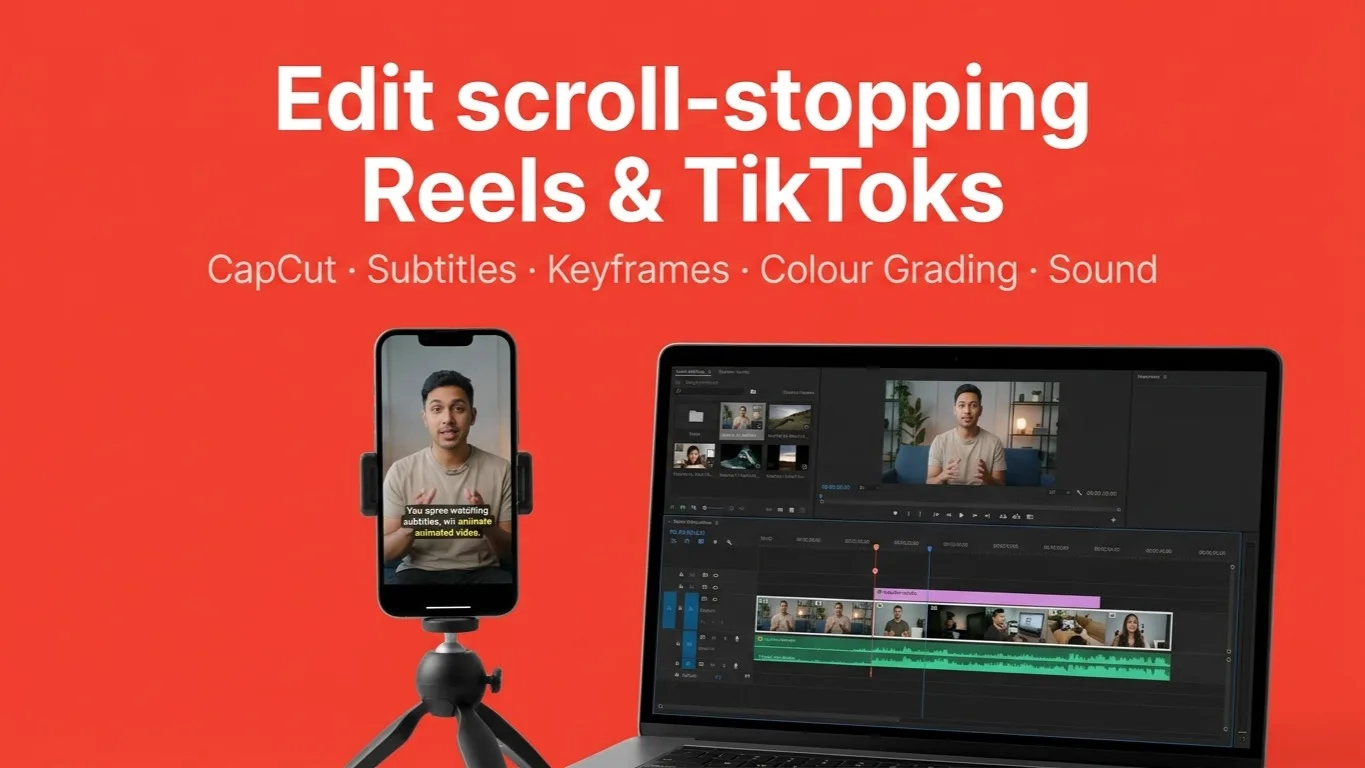
Capcut Video Editing Course
Go from a raw clip to a published 45–60 second vertical video in fifteen days. Cutting, sound, subtitles, B-roll, keyframes, masking, colour and the hook-and-retention edit — one project carried through every day.
Access
mobile and TV
Completion
Course Overview
Fifteen days, one video. This course does not teach features in isolation — every day moves your own project one step further, from a blank timeline on day one to a published 45–60 second vertical video on day fifteen.
You start by understanding the editing workflow and making your first clean cuts. You plan a shoot, gather your own A-roll and B-roll, then build the edit up in layers: clean dialogue, background music and sound effects, subtitles and text, overlays, transitions, keyframe animation and masking. The last week is what separates a finished video from a rough one — colour correction, colour grading, and the storytelling edit that keeps people watching.
What you leave with
- A finished, published 9:16 video of your own, 45–60 seconds
- A repeatable editing workflow: A-roll, B-roll, text, overlay, keyframe, mask, audio, colour
- Your own shooting plan, shot list and B-roll library
- A colour-corrected and colour-graded final cut with a proper export
Who it is for
Anyone starting from zero: content creators, social media managers, small business owners editing their own promos, and students who want a practical skill in a fortnight. Taught in CapCut, so you can keep editing on a laptop or a phone after the course ends.
Go from a raw clip to a published 45–60 second vertical video in fifteen days. Cutting, sound, subtitles, B-roll, keyframes, masking, colour and the hook-and-retention edit — one project carried through every day.
Your Learning Journey
Our curriculum is researched, developed & updated by understanding the global scope & job demands. Taught by working professionals, the program is mostly practical and project-based, backed by essential theoretical frameworks.
Key Skills You'll Master
Cutting & Timeline Editing
Import, organise, cut, split, trim and ripple delete — assembling a rough cut from raw footage.
Shoot Planning, A-Roll & B-Roll
Script, shot list, framing and vertical 9:16 shooting, so the edit starts from usable footage.
Dialogue Cleanup & Audio Balance
Levelling voice, fades, and syncing dialogue to picture.
Background Music, Beat Cuts & SFX
Choosing music, cutting to the beat, and placing sound effects that carry the edit.
Subtitles, Typography & Text Animation
Readable subtitles and on-screen text that fits the frame and moves well.
Overlays & Layered Visuals
Opacity, image and video layers, and using B-roll to raise the production value.
Purposeful Transitions
Knowing when a transition earns its place, and building a sequence that flows.
Keyframe Animation
Position, scale, rotation and opacity over time, including punch-in and punch-out.
Masking & Reveal Effects
Basic masks, hiding and revealing objects, and highlight effects.
Colour Correction & Colour Grading
Exposure, contrast and white balance first, then a consistent cinematic look and shot matching with LUTs.
Hook Writing & Retention Editing
Pacing, jump cuts, pattern interrupts and sound design that keep a viewer watching.
Export & Publishing
Export settings, the 9:16 format, cover images, and getting the finished video out.
Prerequisites
No editing experience needed — day one starts at why video editing exists
A laptop or a phone that can run CapCut
Your own footage, or a phone to shoot it with — day three is a real shoot
Headphones, for the audio and sound-design days
Master Essential Tools & Platforms
Gain hands-on experience with tools widely used in the industry.
CapCut
Everything You Receive
Live classes
Live classes and streaming
Recorded Videos
Get our streamed video
Certificate
Verified
Placement support
Career guidance, portfolio and interview help
Course Curriculum
Day 01 — Introduction to Video Editing
- Why video editing, and what you can actually do with it
- The complete editing journey, end to end
- The editing interface, the timeline and the workflow
- Build: Understand the timeline, the basic editing interface and the workflow.
- Progress: Project idea, goal and workflow plan.
Day 02 — Basic Cut & Timeline
- Import and organise your footage
- Cut, split, trim and delete
- Ripple delete and the basic timeline workflow
- Build: Cut and assemble a rough cut from raw footage.
- Progress: Rough cut created.
Day 03 — Shoot Planning & Footage
- Script and shot list
- A-roll and B-roll, and what each is for
- Framing, and vertical 9:16 shooting basics
- Build: A shooting plan and at least 5 B-roll shots.
- Progress: Footage collected (A-roll + B-roll).
Day 04 — Voice & Audio Basics
- Dialogue cleanup
- Volume, fades and audio balance
- Syncing voice and dialogue to picture
- Build: Clean and level the main voice or dialogue.
- Progress: Clean audio in the timeline.
Day 05 — Background Music & SFX
- Choosing background music, and setting music volume
- Beat cuts
- Useful sound effects, and where they belong
- Build: Add background music and suitable sound effects to your project.
- Progress: Video with BGM and SFX.
Day 06 — Text & Subtitles
- Typography and text placement
- Subtitle styling
- Basic text animation
- Build: Add clean subtitles and the key text elements.
- Progress: Subtitles and text added.
Day 07 — Overlay & B-Roll
- Overlays, opacity, and image and video layers
- Using B-roll to elevate the visuals
- Build: Add B-roll and overlays to tell a better story.
- Progress: B-roll and overlays added.
Day 08 — Transitions
- When to use a transition, and when a straight cut is better
- Smooth cuts, zoom, fade and dissolve
- Creative transitions
- Build: Create a clean sequence using 5–6 purposeful transitions.
- Progress: Smooth transitions applied.
Day 09 — Keyframe
- Position, scale, rotation and opacity
- Punch-in and punch-out
- Keyframe basics and easing
- Build: Add keyframe-based animation.
- Progress: Keyframe animations added.
Day 10 — Masking
- Basic masks
- Reveal effects
- Hiding and revealing objects, and creative masking
- Build: Create a reveal or highlight effect using masks.
- Progress: Mask effect applied.
Day 11 — Basic Color Correction
- Exposure and contrast
- Highlights and shadows
- Temperature and colour balance
- Build: Correct the colour of the complete project.
- Progress: Colour-corrected video.
Day 12 — Basic Color Grading
- Warm and cool looks
- Contrast and mood
- LUT basics, and matching shots to each other
- Build: Create a cinematic or consistent look for your video.
- Progress: Colour-graded video.
Day 13 — Storytelling & Retention
- Writing a strong hook
- Pacing and jump cuts
- Pattern interrupts
- Sound design that holds attention
- Build: Improve retention with pacing, cuts, SFX and sound.
- Progress: High-retention version ready.
Day 14 — Complete Editing Workflow
- The full order of operations: A-roll → B-roll → text → overlay → keyframe → mask → audio → colour
- Reviewing your own edit
- Build: Finish the complete first review of the project.
- Progress: Full rough version ready.
Day 15 — Final Edit, Export & Publish
- Final corrections
- Export settings and the 9:16 format
- Cover export, and publishing
- Build: Export and publish the final 45–60 second video.
- Progress: Final video ready and published.
Available Batches
No batch scheduled yet
We are scheduling the next batch. Leave your number and we will tell you when it starts.
Notify meFAQs
No. Day one starts at why video editing exists and what the timeline is. Everything after that is built on the day before it.
CapCut. It runs on both a laptop and a phone, it is free to start with, and everything in the syllabus — keyframes, masking, colour correction and grading — is available in it. The workflow you learn transfers to any other editor.
A phone is enough. Day three is a real shoot: you plan it, then collect your own A-roll and at least five B-roll shots. Everything after that day is edited from your own footage.
A published 45–60 second vertical video of your own, carried through every stage — rough cut, audio, subtitles, B-roll, transitions, keyframes, masking, colour correction and grading, then a proper export.
For a complete short-form workflow, yes, because you work on one project the whole way through instead of starting over each day. It is not a substitute for a full post-production course — colour grading, motion graphics and sound design each go far deeper than a fortnight allows.
Yes. Online and in-person are priced separately; see the pricing on this page. The project work and the daily milestones are the same either way.
Every day has a defined output and a project milestone, so it is clear exactly what has to be caught up. Talk to your instructor — the schedule is built to be recoverable.
Available Batches
No batch scheduled yet
We are scheduling the next batch. Leave your number and we will tell you when it starts.
Notify meLocate us
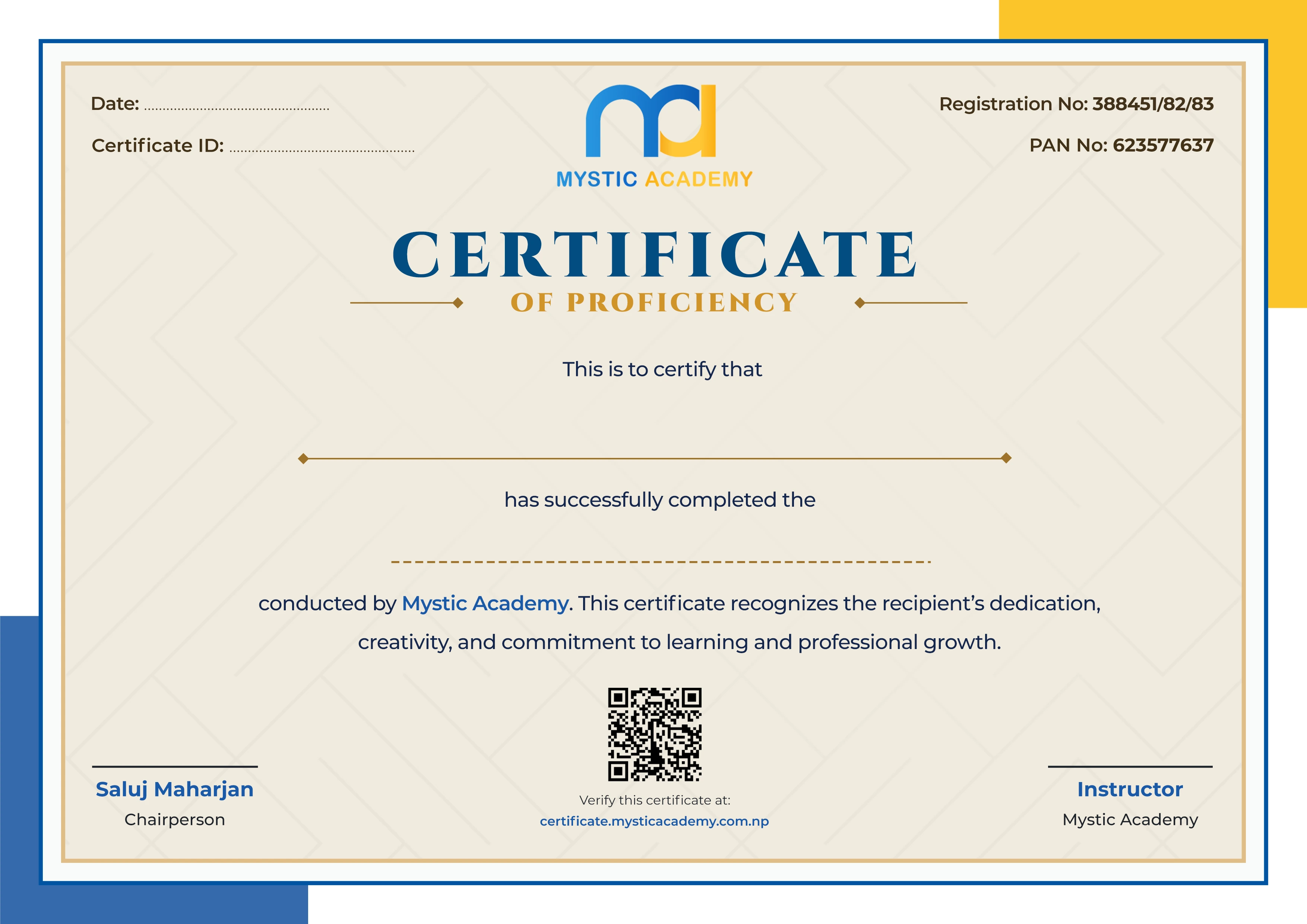
Earn a Certificate on completion
Upgrade your skills and earn a certificate that anyone can verify online. It helps you showcase your expertise and enhance your professional profile.
Already earned a certificate? Verify it here

Quick Inquiry
Choose Class Schedules :
Notification
Message goes here.