





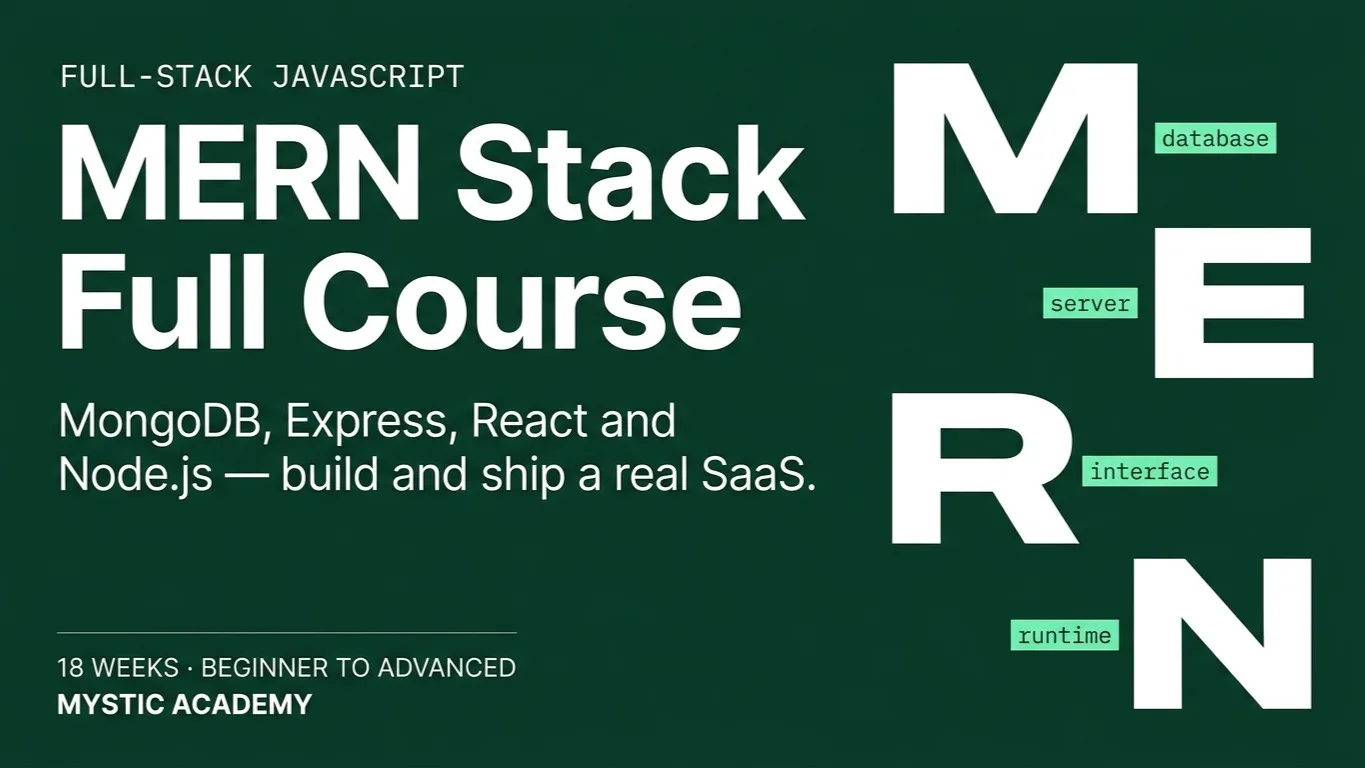
MERN Stack | Full Course
An 18-week bootcamp taking you from beginner to job-ready full-stack developer - build DevHire, a production job-board SaaS with MongoDB, Express, React, Node.js, TypeScript, Docker, CI/CD, and a complete test pyramid.
Access
mobile and TV
Completion
Course Overview
This comprehensive MERN Stack bootcamp takes complete beginners to job-ready full-stack developers in 18 weeks (4.5 months). Students progressively build a real-world SaaS featuring multi-role authentication (JWT + Google OAuth), full-text search, real-time notifications, transactional email queues, file uploads, and a complete CI/CD pipeline. Every module is taught in TypeScript from Module 5 onward, testing is threaded throughout (not bolted on at the end), and the DevHire project spine ensures that every line of code written contributes to a single deployable, portfolio-ready product. By graduation, students will have shipped a live application with a full test pyramid (Jest + React Testing Library + Supertest + Playwright), a GitHub Actions CI/CD pipeline, Swagger API documentation, Docker Compose dev environment, and a polished README - everything a junior developer needs to stand out in the job market.
Key highlights:
• 11 structured modules · 85 session days · 240 total hours
• 9 milestone projects building toward one capstone
• Google OAuth + JWT with role-based access control
• Real-time notifications with Socket.io
• BullMQ email queue with Redis
• GitHub Actions CI/CD pipeline
• Deployed to Vercel + Render + MongoDB Atlas
An 18-week bootcamp taking you from beginner to job-ready full-stack developer - build DevHire, a production job-board SaaS with MongoDB, Express, React, Node.js, TypeScript, Docker, CI/CD, and a complete test pyramid.
Your Learning Journey
Our curriculum is researched, developed & updated by understanding the global scope & job demands. Taught by working professionals, the program is mostly practical and project-based, backed by essential theoretical frameworks.
Master Essential Tools & Platforms
Gain hands-on experience with tools widely used in the industry.
Visual Studio Code
Git & GitHub
Figma
Tailwind CSS
React
TypeScript
Node.js
Express.js
MongoDB
Redis
Jest
Playwright
Docker
GitHub Actions
Everything You Receive
Live classes
Live classes and streaming
Recorded Videos
Get our streamed video
Certificate
Verified
Placement support
Career guidance, portfolio and interview help
Course Curriculum
- Establishes the full professional development environment before writing a single line of application code. Students learn how the web works end-to-end (DNS, HTTP/HTTPS, request/response cycle), set up VS Code with ESLint, Prettier, and pre-commit hooks via husky and lint-staged, master Chrome DevTools (Console, Network, Sources), practice Git branching with conventional commits, and explore AI-assisted coding responsibly with GitHub Copilot and Claude.
- Weeks 1–2 · 10 days · 20 hours
- How the web works - DNS, HTTP/HTTPS, status codes
- Dev environment - Node.js, VS Code, ESLint, Prettier
- Pre-commit hooks - husky, lint-staged
- Chrome DevTools - Console, Network, Sources, Elements
- Git & GitHub - branching, PRs, conventional commits
- AI-assisted coding - Copilot, Claude, prompt strategies
- Digital career paths - frontend, backend, full-stack, DevOps
- Developer Portfolio - Personal portfolio page deployed on GitHub Pages. Semantic HTML, ESLint + Prettier configured, Git branching used throughout, and conventional commits enforced by pre-commit hook. This page links to the student's DevHire candidate profile.
- Covers professional UI/UX design principles and CSS implementation. Students design all DevHire screens in Figma before writing a single line of CSS, learn colour theory with WCAG AA contrast compliance, build the full design token system, master Flexbox and CSS Grid through hands-on layouts, then implement everything with Tailwind CSS including dark mode and accessibility utilities. The module ends with a live accessibility audit using Axe DevTools.
- Weeks 3–4 · 10 days · 20 hours
- UI/UX principles - hierarchy, grids, white space, Gestalt
- Colour theory, typography, WCAG AA contrast ratios
- Figma - components, variants, auto layout, clickable prototypes
- CSS Flexbox - complete guide with patterns
- CSS Grid - complete guide with named areas and auto-fit
- CSS variables, animations, transitions, responsive design
- Tailwind CSS - setup, config, dark mode, accessibility utilities
- Accessibility audit - Axe DevTools, WCAG AA checklist
- DevHire UI Kit & Landing Page - Figma wireframes for all DevHire screens (Home, Listings, Job Detail, Auth, Dashboards). Landing page implemented with Tailwind CSS - fully responsive across mobile, tablet, and desktop. WCAG AA accessibility audit passed. Lighthouse Accessibility score ≥ 95.
- A thorough JavaScript foundation covering modern ES6+ syntax, async programming, and - critically - error handling and debugging as first-class topics rather than afterthoughts. The module introduces Jest unit testing in sessions 10–11, establishing the test-writing habit before React or Node.js are introduced. Students extract all logic into pure, testable utility functions that are directly reused in Module 4's React migration.
- Weeks 5–7 · 15 days · 30 hours
- Variables, data types, type coercion, operators
- Functions, scope, closures, pure functions
- Arrays - map, filter, reduce, chaining
- Objects, destructuring, spread/rest, optional chaining
- ES modules - import, export, barrel files
- Promises, async/await, Promise.all
- Fetch API - GET, POST, error handling, AbortController
- Custom error classes, debugging with DevTools breakpoints
- Jest setup - describe, it, expect, AAA pattern
- Testing async code and mocking with jest.fn() and jest.mock()
- Job Listings Feed + First Test Suite - Vanilla JS job listings feed with Fetch, filter, sort, debounced search, and URL-synced state. Jest unit test suite with ≥ 80% coverage on all utility modules. All logic extracted into pure, importable functions - ready to migrate directly into React in Module 4.
- Teaches React from fundamentals through advanced patterns, with a deliberate focus on migrating the Module 3 utilities directly into React custom hooks - reinforcing the project continuity narrative. Covers React Router v6, Context + useReducer for global state, React Query for server state, and React.lazy for code splitting. React Testing Library and jest-axe are introduced alongside the components, making testing a natural part of the build process.
- Weeks 8–9 · 10 days · 20 hours
- React fundamentals - JSX, components, props, React DevTools
- useState, useEffect, controlled inputs, event handling
- Migrating Module 3 utilities into custom hooks (explicit handoff)
- React Router v6 - BrowserRouter, useParams, useSearchParams
- Context API + useReducer for global state
- React Query - useQuery, useMutation, staleTime, optimistic updates
- React.lazy + Suspense - route-level code splitting
- ARIA, focus management, keyboard navigation in React
- React Hook Form - register, handleSubmit, formState.errors
- React Testing Library - render, screen, fireEvent, jest-axe
- DevHire React SPA - Full React SPA with 4 routed pages (Home, Listings, Job Detail, Auth), React Query for data fetching, Context + useReducer for global state, URL-synced filters, React Hook Form, route-level code splitting. RTL component tests with jest-axe on all components. Lighthouse Performance ≥ 85, Accessibility ≥ 95.
- TypeScript is not treated as a standalone topic - it is adopted into the live DevHire codebase immediately. The module covers primitive types, interfaces, generics, and utility types, then converts the entire React SPA to TypeScript in the same week. The critical addition is Zod: students create a shared schemas/ package that generates TypeScript types from runtime validators, creating a single source of truth for both frontend form validation and backend API validation used in Module 6.
- Weeks 10–11 · 10 days · 20 hours
- TypeScript setup - tsconfig.json with strict mode, tsc --noEmit
- Primitive types, arrays, tuples, unknown vs any
- Interfaces vs type aliases, optional/readonly properties
- Union types, intersection types, generics, utility types (Partial, Omit, Pick)
- Typing React props, state, event handlers, useContext
- Typing API responses and React Query generics
- Zod - z.object, z.infer, .safeParse(), shared schemas pattern
- Converting the full DevHire SPA to TypeScript (strict mode)
- tsc --noEmit in pre-commit hook - zero any types policy
- Shared Schemas Package - DevHire React SPA fully converted to TypeScript with strict mode. Shared schemas/ package with Zod schemas powering both frontend form validation and backend API validation. tsc --noEmit runs in the pre-commit hook. Zero any types across the codebase.
- Builds the DevHire REST API entirely in TypeScript from day one. Covers the Node.js event loop in depth, environment config validation with Zod (the shared schemas from Module 5 are used immediately to validate request bodies), a fully typed Express setup, and three topics absent from most beginner courses: centralised error handling with a custom AppError class, structured production logging with pino, and live Swagger/OpenAPI documentation. Supertest API tests are introduced here, adding the third layer of the test pyramid.
- Weeks 12–13 · 10 days · 20 hours
- Node.js event loop, built-in modules, CommonJS vs ES modules
- dotenv + Zod config validation - fail fast on bad env vars
- Express + TypeScript - typed Request, Response, NextFunction
- REST API design - verbs, status codes, /api/v1/ versioning
- Shared Zod schemas as Express validation middleware
- cors, morgan, pino structured logging, Helmet.js, express-rate-limit
- AppError class + asyncHandler + centralised error middleware
- Multer file uploads + Cloudinary integration
- Swagger/OpenAPI - swagger-jsdoc + swagger-ui-express, live /api-docs
- Supertest + mongodb-memory-server - API route tests
- DevHire REST API v1 (TypeScript) - Fully typed Express REST API with centralised error handling (AppError), Zod validation using shared schemas, pino logging, Helmet security headers, Multer + Cloudinary file uploads, live Swagger /api-docs page, and a Supertest suite with ≥ 80% coverage on all route handlers.
- Designs and implements the complete DevHire data model in Mongoose with full TypeScript types. Covers the embedding-vs-referencing trade-off in depth, Mongoose virtuals, pre/post hooks, typed statics, compound indexes, and the aggregation pipeline for analytics. Adds two topics absent from the original curriculum: a repeatable faker.js seed script and versioned migrate-mongo migrations - both essential for team development and production deployments.
- Weeks 14–15 · 10 days · 20 hours
- MongoDB Atlas setup - free tier, Compass GUI, shell CRUD
- Mongoose + TypeScript - HydratedDocument, InferSchemaType
- Embedding vs referencing - the core MongoDB design trade-off
- Virtuals, pre/post hooks, custom validators, toJSON transforms
- Typed schema statics and instance methods
- Compound indexes, text indexes, explain() for query analysis
- Full DevHire schema - User, Company, Job, Application models
- Aggregation pipeline - $match, $group, $lookup, $project
- faker.js seed script - idempotent, resettable, 50+ documents
- migrate-mongo - versioned schema migrations
- DevHire Database Models + Seeding - Four typed Mongoose models (User, Company, Job, Application) with full TypeScript types wired to the Module 6 API. faker.js seed generating 10 companies, 50 jobs, 20 users, 30 applications. migrate-mongo migration. Integration tests with mongodb-memory-server. Admin stats aggregation endpoint.
- Implements the complete DevHire authentication system. Covers bcrypt password hashing, JWT access + refresh token rotation with httpOnly cookies, and - a key addition over the original curriculum - Google OAuth via Passport.js so students learn the most common auth pattern in the real world. Role-based access control (Candidate / Employer / Admin) is implemented as typed Express middleware and as React PrivateRoute components. Security hardening covers mongo-sanitize, xss-clean, CSRF, and Helmet CSP configuration.
- Weeks 16–17 · 10 days · 20 hours
- bcrypt - password hashing, salt rounds, timing attacks
- JWT - sign, verify, access + refresh token rotation
- httpOnly cookies vs localStorage - security trade-offs
- POST /auth/register and /auth/login endpoints
- Typed isAuth middleware, extending Express Request with req.user
- Google OAuth 2.0 - Passport.js + passport-google-oauth20
- RBAC - isEmployer, isAdmin typed middleware, 3-role system
- React PrivateRoute + role-aware dashboards
- Global 401 handler in React Query
- Security hardening - mongo-sanitize, xss-clean, CSRF, Helmet CSP
- DevHire Auth System + OAuth - Complete JWT auth with access + refresh tokens, Google OAuth via Passport.js, role-based access control for 3 roles, React protected routes with role-aware dashboards, security hardening (mongo-sanitize, xss-clean, Helmet CSP). Full Supertest auth test suite covering all auth routes and RBAC boundaries.
- A focused DevOps module that sets up the professional development infrastructure the rest of the team will rely on. Students write a Dockerfile for both the API and frontend, wire up a docker-compose.yml that launches the full DevHire stack (mongo + api + client) with one command, restructure the project into a proper monorepo with npm workspaces, and harden the Git workflow with commitlint, PR templates, and branch protection rules on GitHub.
- Weeks 18 · 5 days · 10 hours
- Docker fundamentals - Dockerfile, .dockerignore, build, run
- Docker Compose - multi-service orchestration, volumes, health checks
- docker-compose.yml for mongo + api + client (one-command dev start)
- Monorepo structure - client/, server/, shared/ with npm workspaces
- Shared/ package consuming Zod schemas in both client and server
- Root-level ESLint and Prettier configuration
- commitlint - enforcing conventional commits at CLI level
- GitHub PR templates + branch protection rules
- DevHire Docker Compose Stack - Full DevHire stack running with docker compose up. Monorepo structure with npm workspaces. commitlint enforced. Branch protection enabled on GitHub requiring CI to pass before merge.
- Adds the advanced features that transform DevHire from a basic CRUD app into a production-quality SaaS. Covers MongoDB full-text search with dynamic query building and infinite scroll pagination, HTTP caching headers (Cache-Control, ETag), transactional email via Nodemailer with BullMQ job queue + Redis for reliability, typed real-time notifications with Socket.io scoped to individual employer rooms, React performance optimisation with the React DevTools Profiler, and production error monitoring with Sentry. Every new feature is integration-tested.
- Weeks 19–21 · 15 days · 30 hours
- MongoDB $text full-text search + relevance scoring
- Dynamic typed query builder + offset and cursor-based pagination
- React infinite scroll with useInfiniteQuery + URL-synced filters
- HTTP caching - Cache-Control, ETag, 304 Not Modified
- Nodemailer + Handlebars HTML email templates
- BullMQ job queue + Redis - reliable async email delivery
- Bull Board visual queue dashboard
- Socket.io - typed events, user rooms, real-time notification bell
- Redis adapter for Socket.io horizontal scaling
- React performance - React.memo, useMemo, useCallback, Profiler
- Lighthouse Core Web Vitals - LCP, INP, CLS
- Sentry error tracking in Express and React
- DevHire Advanced Features - Full-text search with URL-synced filters and infinite scroll. Reliable transactional email via BullMQ + Redis queue. Typed real-time employer notification bell with Socket.io. React performance optimised - Lighthouse ≥ 90 on Listings page. Sentry error tracking connected on both frontend and backend.
- The final module completes the test pyramid with Playwright E2E tests - students already have Jest unit, RTL component, and Supertest API tests, so E2E is the natural capstone layer rather than a painful introduction. A GitHub Actions CI/CD pipeline runs all four test layers on every push and gates deploys to main. The backend is deployed via Docker image to Render, the frontend to Vercel, and the database to MongoDB Atlas. The module closes with resume writing, LinkedIn optimisation, system design prep, mock technical interviews, and a final demo day.
- Weeks 22–24 · 15 days · 30 hours
- Playwright - install, browsers, auto-waiting, accessibility-first locators
- E2E tests for critical user journeys - register, login, post job, apply
- Page Object Model pattern - encapsulating page interactions
- Visual regression testing with Playwright toHaveScreenshot()
- GitHub Actions - workflow: lint → typecheck → jest → playwright → deploy
- Node_modules + Playwright browser caching in CI
- Branch protection - require CI pass + 1 review before merge to main
- MongoDB Atlas production cluster + migrate-mongo in CI
- Docker image deploy to Render + env vars
- Vite React deploy to Vercel + CORS tightening for production
- Production smoke testing with Playwright against live URL
- Portfolio README, case study, 3-min demo video, system design prep
- Resume writing, LinkedIn optimisation, technical interview prep
- Final demo day - 5-minute cohort presentation
- DevHire v2 - Production Launch (Capstone) - Full-stack job board SaaS deployed to production. TypeScript throughout. Complete test pyramid: Jest + RTL + Supertest + Playwright. GitHub Actions CI/CD pipeline. Frontend on Vercel. Backend on Render (Docker image). Database on MongoDB Atlas. Swagger /api-docs live. Google OAuth + JWT auth. RBAC (3 roles). Full-text search + infinite scroll. BullMQ email queue. Socket.io real-time notifications. Sentry error tracking. Lighthouse ≥ 90. Portfolio-ready.
Available Batches
No batch scheduled yet
We are scheduling the next batch. Leave your number and we will tell you when it starts.
Notify meFAQs
The course takes you from beginner fundamentals (JavaScript basics) all the way to advanced, production-grade full-stack development - the "Advanced" label reflects the depth and final skill level, not a requirement to already know how to code.
You'll build DevHire, a production-style job-board SaaS application, using MongoDB, Express, React, Node.js, and TypeScript, complete with automated testing and CI/CD deployment.
Both - beyond MERN fundamentals, the course covers a complete test pyramid (unit, component, and end-to-end tests), Docker, and CI/CD pipelines, matching real industry workflows.
The course transitions from JavaScript fundamentals into TypeScript, which is then used for the rest of the course - so you graduate comfortable with both.
Yes, this is one of our AI-integrated courses, incorporating AI-assisted workflows alongside the core MERN curriculum.
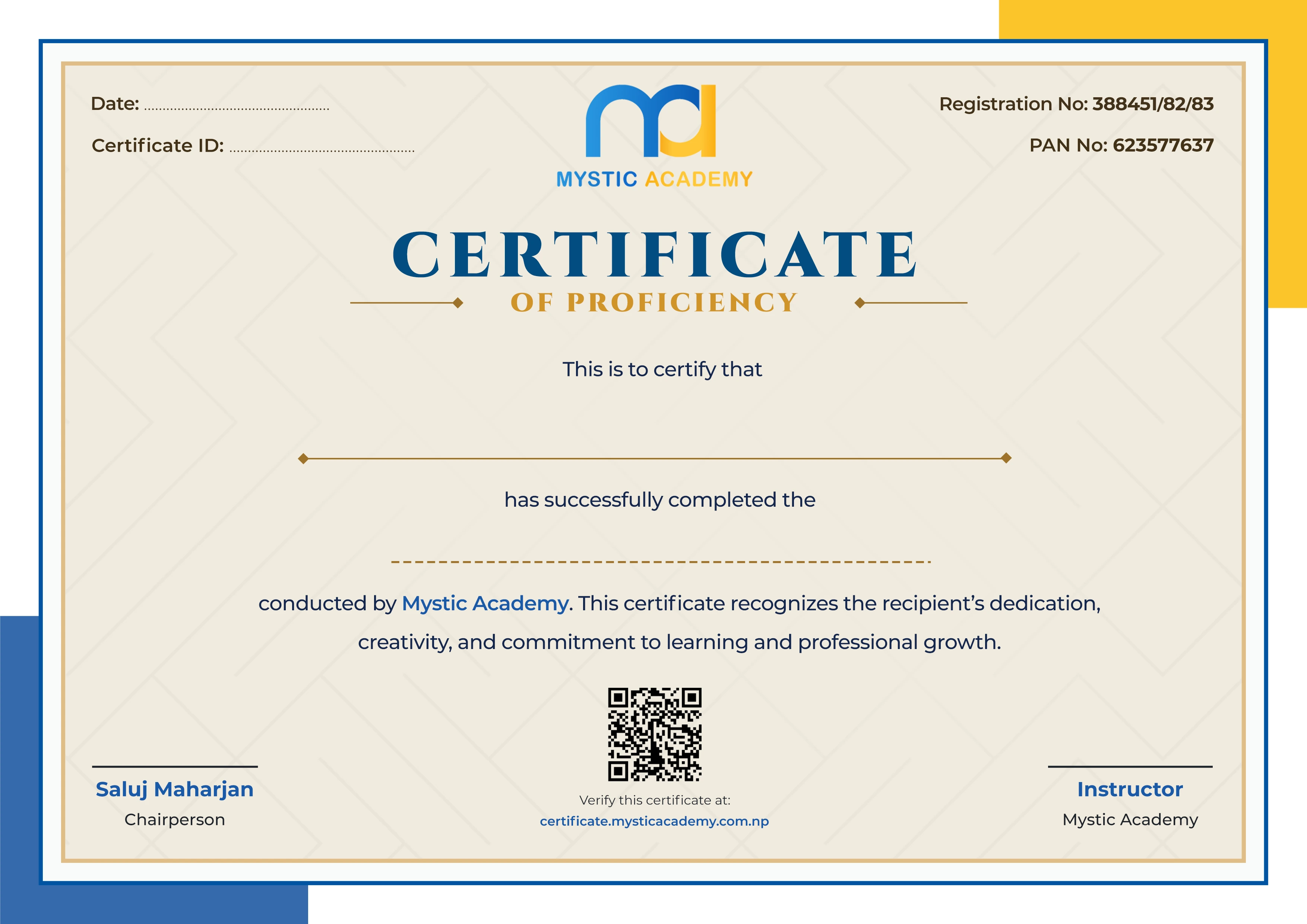
Yes, you'll receive a Mystic Academy certificate of completion after finishing all 18 weeks.
Available Batches
No batch scheduled yet
We are scheduling the next batch. Leave your number and we will tell you when it starts.
Notify meLocate us
Earn a Certificate on completion
Upgrade your skills and earn a certificate that anyone can verify online. It helps you showcase your expertise and enhance your professional profile.
Already earned a certificate? Verify it here
Similar Courses
Explore other programs that might interest you

Quick Inquiry
Choose Class Schedules :
Notification
Message goes here.