





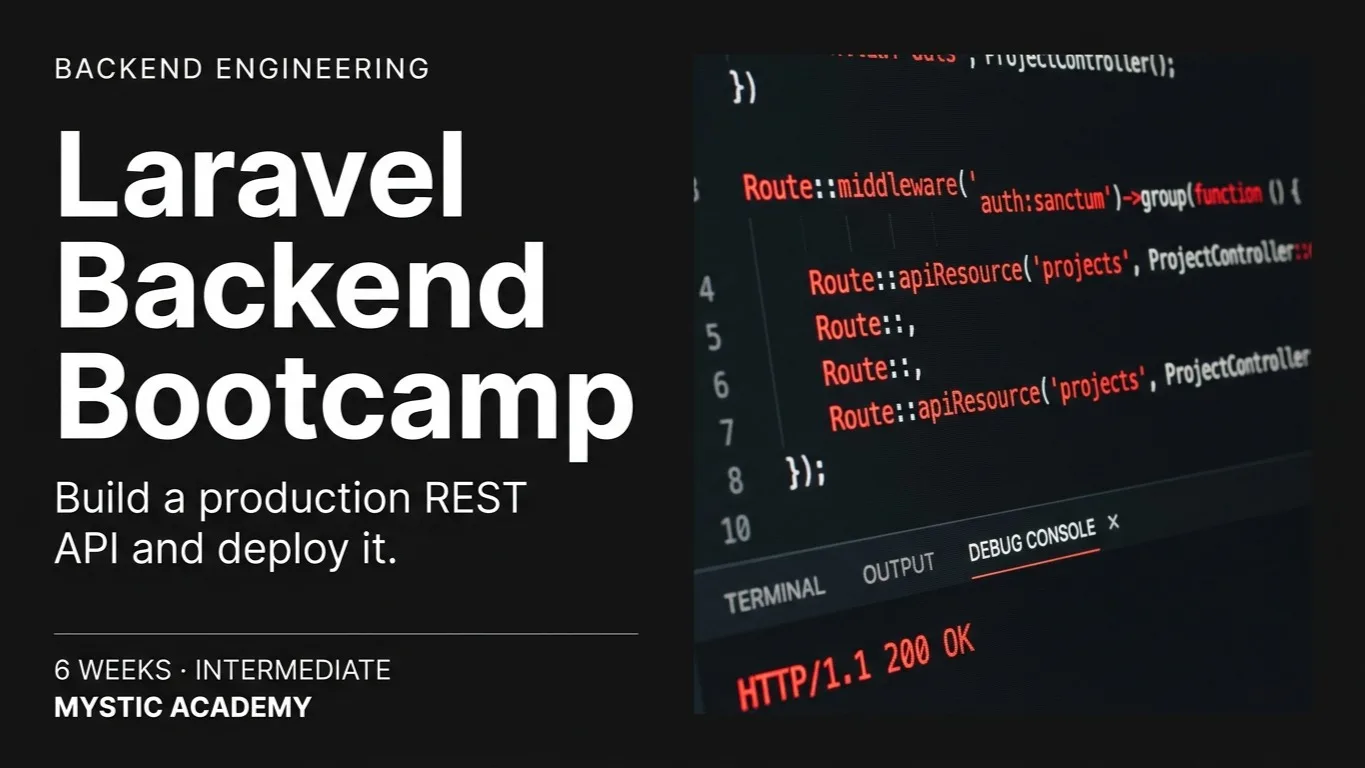
Laravel Backend Bootcamp
A 6-week intermediate bootcamp building DevBoard - a production Laravel 11 REST API with Sanctum auth, roles, Redis queues, file storage, Meilisearch search, caching, and Docker + GitHub Actions CI/CD deployment to a live URL.
Access
mobile and TV
Completion
Course Overview
This hands-on bootcamp takes you from PHP fundamentals to deploying a fully production-ready Laravel API. Over the course of 1.5 months, you will build a real-world platform - one layer at a time. Each module adds a production feature to the same codebase: database design, REST API with authentication, background queues, file storage, full-text search, Redis caching, and finally Docker-based deployment with a GitHub Actions CI/CD pipeline. By the end, you will have a live URL, a test suite, and a portfolio-ready project to show employers.
A 6-week intermediate bootcamp building DevBoard - a production Laravel 11 REST API with Sanctum auth, roles, Redis queues, file storage, Meilisearch search, caching, and Docker + GitHub Actions CI/CD deployment to a live URL.
Your Learning Journey
Our curriculum is researched, developed & updated by understanding the global scope & job demands. Taught by working professionals, the program is mostly practical and project-based, backed by essential theoretical frameworks.
Master Essential Tools & Platforms
Gain hands-on experience with tools widely used in the industry.
Laravel 11
Laravel Sail
MySQL
Postman
Laravel Sanctum
Redis
Laravel Horizon
Meilisearch
MinIO
Pest
Docker
GitHub Actions
Nginx
Everything You Receive
Live classes
Live classes and streaming
Recorded Videos
Get our streamed video
Certificate
Verified
Placement support
Career guidance, portfolio and interview help
Course Curriculum
- PHP 8.2 Laravel 11 Composer Artisan Blade
- Week 1 - Days 1–5 · 5 days · 10 hours
Day 1–2 - PHP 8.2 Essentials
- Typed properties, match expressions, named arguments, enums
- Arrow functions, readonly properties, fibers overview
- Composer: autoloading, PSR-4, managing packages
- Refactor exercise: procedural script to clean PHP classes
Day 3 - Laravel Setup & Project Structure
- Installing Laravel 11, Sail (Docker) first-run setup
- Directory deep-dive: app/, routes/, config/, resources/
- Artisan CLI: make commands, tinker, key:generate
- Environment config: .env, APP_ENV, config caching
Day 4 - Routing & Middleware
- Named routes, route groups, prefix and subdomain routing
- Route model binding - implicit and explicit
- Writing and registering custom middleware
- Middleware pipeline: before/after execution order
Day 5 - Blade Basics (backend-focused)
- Layouts, components, slots, @yield / @section
- Passing data to views, @if, @foreach, @forelse
- Connecting route → controller → view end-to-end
- Phase 1: DevBoard Shell - Projects + Tasks CRUD - Create the DevBoard app from scratch. Build the core routes, controllers, and Blade views for Projects and Tasks with hardcoded data arrays. Focus is entirely on the Laravel request lifecycle.
- laravel new devboard - set up the project with Sail
- Routes: /projects (index, create, store, show, edit, update, destroy) + nested /projects/{project}/tasks
- ProjectController and TaskController with resourceful methods
- Blade layout with sidebar nav; project list and task list views
- Flash messages on store/update/delete using session()->flash()
- Builds into: Replace hardcoded arrays with a real database and Eloquent models in Module 2
- Confidently navigate any Laravel project
- Build a complete route → controller → view flow
- Use Artisan and understand the request lifecycle
- MySQL 8 Eloquent ORM Migrations Model Factories Faker
- Week 2 - Days 6–10 · 5 days · 10 hours
Day 6 - Migrations & Schema Builder
- Creating, running, and rolling back migrations
- Schema builder: columns, indexes, foreign keys, constraints
- Seeding: model factories with Faker, DatabaseSeeder
- Blueprint macros: timestamps, softDeletes grouping
Day 7 - Eloquent Models
- Mass assignment: fillable vs guarded, hidden, casts
- Accessors, mutators, and custom casts (Laravel 11 style)
- Model events and observers for decoupled side-effects
- Local and global query scopes
Day 8 - Relationships
- One-to-one, one-to-many, many-to-many with pivot tables
- Has-many-through, polymorphic relationships
- Eager loading vs lazy loading - solving the N+1 problem
- withCount(), withSum(), withAvg() on relations
Day 9 - Query Builder & Raw Queries
- Fluent builder: select, where, joins, unions
- Chunking, lazy collections, cursor pagination
- DB::raw() and selectRaw for performance-critical queries
- Query logging and debugging with DB::listen
Day 10 - Advanced DB Patterns
- Soft deletes, model pruning, archiving strategies
- Database transactions and deadlock handling
- Index strategy: composite, partial, covering indexes
- Phase 2: DevBoard - Full Database Layer + Relationships - Swap out the hardcoded arrays from Module 1 and wire DevBoard to a real MySQL database. Design the full schema, write all migrations, create factories, and add all relationships between models.
- Migrations: users, projects, tasks, labels, task_label (pivot), comments (polymorphic on tasks + projects)
- Task model: status enum cast, due_date cast, scopeOverdue(), scopeByStatus()
- Relationships: Project hasMany Tasks, Task belongsToMany Labels, morphMany Comments
- Factories: 5 projects each with 10 tasks, random labels, seeded via DatabaseSeeder
- Swap controllers to use Eloquent; eager-load tasks.labels on project show page - confirm zero N+1 with DB::listen
- Builds into: Lock down the app with authentication and convert to a JSON API in Module 3
- Design and migrate a real relational schema
- Use all Eloquent relationship types confidently
- Write performant queries and eliminate N+1 issues
- REST API Laravel Sanctum Gates & Policies Spatie Laravel-Permission Laravel Socialite Pest Postman
- Weeks 3–4 - Days 11–18 · 8 days · 16 hours
Day 11–12 - API Architecture & Resources
- API-only Laravel setup, versioning strategy (v1/)
- API Resources and Resource Collections for clean JSON output
- Conditional attributes, nested resources, data wrapping
- Consistent error response structure via custom exception handler
Day 13 - Form Requests & Validation
- Form Request classes: authorize() and rules()
- Custom validation rules, inline Rule objects
- Conditional validation: sometimes, required_if, required_unless
- Human-friendly validation error responses for APIs
Day 14–15 - Authentication with Sanctum
- SPA auth (cookies) vs API token auth - when to use each
- Token abilities (scopes), expiry, and revocation
- Protecting routes with auth:sanctum middleware
- Multi-device login, logout-all, remember-me patterns
Day 16 - Role-Based Access Control
- Gates: closure-based authorization
- Policies: per-model authorization, registering policies
- Ownership checks: users only touch their own data
- Spatie laravel-permission: roles + permissions overview
Day 17 - OAuth2 & Social Login
- Laravel Passport - OAuth2 grant types overview
- When to use Sanctum vs Passport in real projects
- Social login with Laravel Socialite (Google / GitHub)
Day 18 - API Testing with Pest
- Feature tests for API endpoints using Pest
- Factories in tests: RefreshDatabase vs transactions
- Postman collections: environments, variables, test scripts
- Phase 3: DevBoard - Full REST API + Auth + Roles - Convert DevBoard Blade controllers into a versioned JSON API under /api/v1/. Add Sanctum token auth, role-based project membership, and a full Pest test suite.
- Auth endpoints: POST /register, /login, /logout - return tokens with tasks:read and tasks:write abilities
- ProjectResource and TaskResource - clean JSON with nested relationships
- ProjectMember pivot: roles (owner/member/viewer) - Policy checks on every mutating endpoint
- Google OAuth login via Socialite - upsert user on callback
- Pest tests: register → login → create project → add task → assert 403 when viewer tries to delete
- Builds into: Add background jobs, file attachments, and in-app notifications in Module 4
- Build a production REST API from scratch
- Implement Sanctum auth with token scopes
- Write authorization with Gates and Policies
- Cover all endpoints with Pest tests
- Redis Laravel Horizon MinIO / S3 Laravel Events Intervention Image Mailpit
- Weeks 4–5 - Days 19–23 · 5 days · 10 hours
Day 19 - Event System & Listeners
- Defining events and listeners, auto-discovery
- Synchronous vs queued listeners
- Event subscribers for grouping related listeners
- Real use: TaskAssigned event → notify assignee
Day 20–21 - Queues & Background Jobs
- Queue drivers: database vs Redis - when to use each
- Dispatching jobs, job chaining, job batching
- Retry logic, backoff strategies, failed job handling
- Horizon dashboard: monitoring, pausing, tags, metrics
Day 22 - File Storage & Cloud
- Filesystem abstraction: local, public, S3-compatible (MinIO locally)
- File upload validation, image resizing with Intervention Image
- Signed URLs for private file access
- Chunked uploads for large files overview
Day 23 - Notifications & Email
- Laravel Notifications: mail, database channel, SMS overview
- Mailable classes and markdown mail templates
- Queuing emails, dev testing with Mailpit
- In-app notification centre: unread counts, mark-as-read API
- Phase 4: DevBoard - Task Attachments + Async Notifications - Add file attachments to tasks and a fully async notification system. Uploading a file dispatches a queued job; assigning a task fires an event that notifies the assignee via email and in-app database notification.
- POST /tasks/{task}/attachments - validate file (10MB, common types), store original on MinIO
- Dispatch ProcessAttachment job → generate thumbnail if image → store variant → fire AttachmentReady event
- TaskAssigned event → queued listener → database notification + queued Mailable to assignee
- GET /notifications - paginated list; PATCH /notifications/{id}/read to mark read
- Horizon dashboard running locally; confirm jobs visible with correct tags and retry counts
- Builds into: Add full-text search, Redis caching on project stats, and rate limiting in Module 5
- Process background jobs with Redis queues
- Handle file uploads with cloud-compatible storage
- Build event-driven notification flows
- Redis Cache Meilisearch Laravel Scout Laravel Telescope Laravel Debugbar
- Weeks 5–6 - Days 24–27 · 4 days · 8 hours
Day 24 - Caching Strategies
- Cache drivers: file, Redis, Memcached - choosing the right one
- remember(), rememberForever(), cache tags for grouped invalidation
- HTTP response caching: ETag, Last-Modified, Cache-Control headers
- Event-based cache invalidation patterns
Day 25 - Full-Text Search with Scout
- Making Eloquent models Searchable
- Meilisearch locally (Docker) as the search driver
- Custom index config, ranking rules, filterable attributes
- Paginating results, scoped searching
Day 26 - Security Hardening
- SQL injection: Eloquent protections + edge cases to know
- Mass assignment vulnerabilities and how to audit them
- XSS and CSRF - Laravel's built-in protections explained
- Rate limiting: ThrottleRequests, custom Redis-backed limiters
- Secrets management: .env discipline, never committing keys
Day 27 - Performance Profiling
- Telescope: request, query, and job inspection
- Detecting N+1 in staging with Debugbar
- Indexing audit for the most-queried tables
- Octane overview: running on Swoole/FrankenPHP
- Phase 5: DevBoard - Search, Caching & Hardening - Layer search, caching, and security onto the existing API. Tasks and Projects become searchable; project dashboard stats are Redis-cached with tag-based invalidation; search and auth endpoints get rate limits.
- Add Searchable to Task and Project; configure Meilisearch index with filterable status, project_id, assignee_id
- GET /search?q=... returns tasks + projects together, cached in Redis for 2 min per user
- Project dashboard: GET /projects/{project}/stats - cache with tag project:{id}; invalidate on TaskCreated/Updated/Deleted events
- Rate limit: 60 req/min on API globally; 10 req/min on /login to block brute-force
- Telescope audit: confirm all queries are indexed, zero N+1 on the task list endpoint
- Builds into: Dockerise DevBoard and deploy it live with CI/CD in Module 6 - the app is now feature-complete
- Implement Redis caching with event-based invalidation
- Add full-text search across multiple models
- Harden and rate-limit a production API
- Profile and fix performance issues with Telescope
- Docker Docker Compose GitHub Actions Laravel Forge Ploi Nginx PHP-FPM Supervisor Let's Encrypt
- Week 6 - Days 28–30 · 3 days · 6 hours
Day 28 - Dockerising DevBoard
- Production Dockerfile: PHP-FPM + Nginx, multi-stage build
- Docker Compose: app, MySQL, Redis, Meilisearch, Mailpit
- Dev vs staging vs production .env management
- Health checks, graceful shutdown, container restart policies
Day 29 - CI/CD with GitHub Actions
- Run Pest tests on every PR (PHP 8.2 + 8.3 matrix)
- Code quality: Pint (formatting) + Larastan level 5 (static analysis)
- Auto-deploy to staging on merge to main; manual promote to production
- Slack/email notification on deploy success or failure
Day 30 - Production Deploy & Course Review
- Deploy to VPS with Laravel Forge or Ploi (zero-downtime)
- SSL via Let's Encrypt, Nginx config review, PHP-FPM tuning
- Horizon running as supervisor process; failed job alerts to email
- Final code review, Postman collection polish, README + portfolio write-up
- Phase 6: DevBoard - Live on a Real Server with CI Running - The complete DevBoard codebase - auth, roles, attachments, jobs, notifications, search, caching, rate limiting - gets Dockerised, connected to a CI pipeline, and deployed to a production VPS.
- Dockerfile + Compose file committed to DevBoard repo; dev environment confirmed identical to prod
- GitHub Actions: tests pass on every PR; Larastan at level 5 with zero errors
- Staging environment auto-updated on every merge; production URL live by end of Day 30
- Documented Postman collection covering every endpoint; README with local setup, env vars, and architecture notes
- Horizon running as a supervisor process; failed job alerts wired to email
- Builds into: DevBoard is complete - a live, deployed portfolio project with a test suite and CI/CD pipeline
- Deliver a fully deployed Laravel API
- Set up GitHub Actions CI/CD from scratch
- Deploy to production with zero-downtime releases
- Leave with a live URL and portfolio-ready project
Available Batches
No batch scheduled yet
We are scheduling the next batch. Leave your number and we will tell you when it starts.
Notify meFAQs
This is an intermediate course. Week 1 is a PHP 8.2 refresher - modern PHP features and turning a procedural script into clean classes - rather than an introduction to programming, so it is easiest if you have written some PHP before. Laravel itself is taught from the start. If you have never written PHP, ask us whether the Fullstack Laravel course is a better fit.
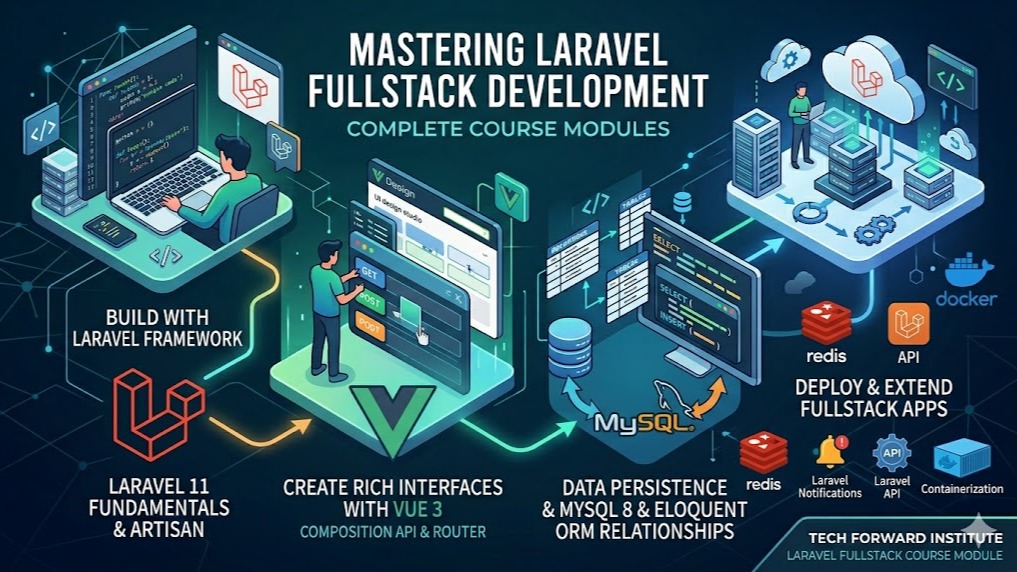
This bootcamp runs six weeks and covers the back end only: a production-style API with queues, search, caching and Docker deployment. Its week 1 is a PHP 8.2 refresher, so it is easiest if you have written some PHP before. The Fullstack Laravel course (/course/fullstack-laravel-vuejs-mysql) runs twenty weeks, starts from PHP basics, and also builds a Vue 3 and TypeScript front end. Choose this one to focus on the Laravel back end.
Six weeks: thirty class days of two hours each, five days a week, about sixty hours in total. Each module adds one production feature to the same project. Batch dates and class times are announced on this course page; ask us at /contact or on WhatsApp at +977 9744977010 if you want to know when the next batch starts.
The fee is NPR 15,000 for in-person classes and NPR 10,000 for online classes. In-person classes are held at our centre in Falfulchowk (near Sorakhutte), Kathmandu, with at most 12 students in a class, and online batches are timed to suit learners in both Nepal and Australia. If you are outside Nepal, we quote the fee in AUD and you pay by bank transfer.
DevBoard, a task management API built one layer at a time on the same codebase. It has projects, tasks, labels and comments; token login with owner, member and viewer roles, plus Google sign-in; file attachments with image thumbnails; queued email and in-app notifications; full-text search with Meilisearch; and Redis caching and rate limits. It is covered by a Pest test suite and documented in Postman.
Yes. In the final week DevBoard is packaged with Docker, connected to a GitHub Actions pipeline that runs your tests and code checks on every pull request, and deployed to a production server with SSL using Laravel Forge or Ploi. You aim to have a live URL by the last day, along with a README and a portfolio write-up.
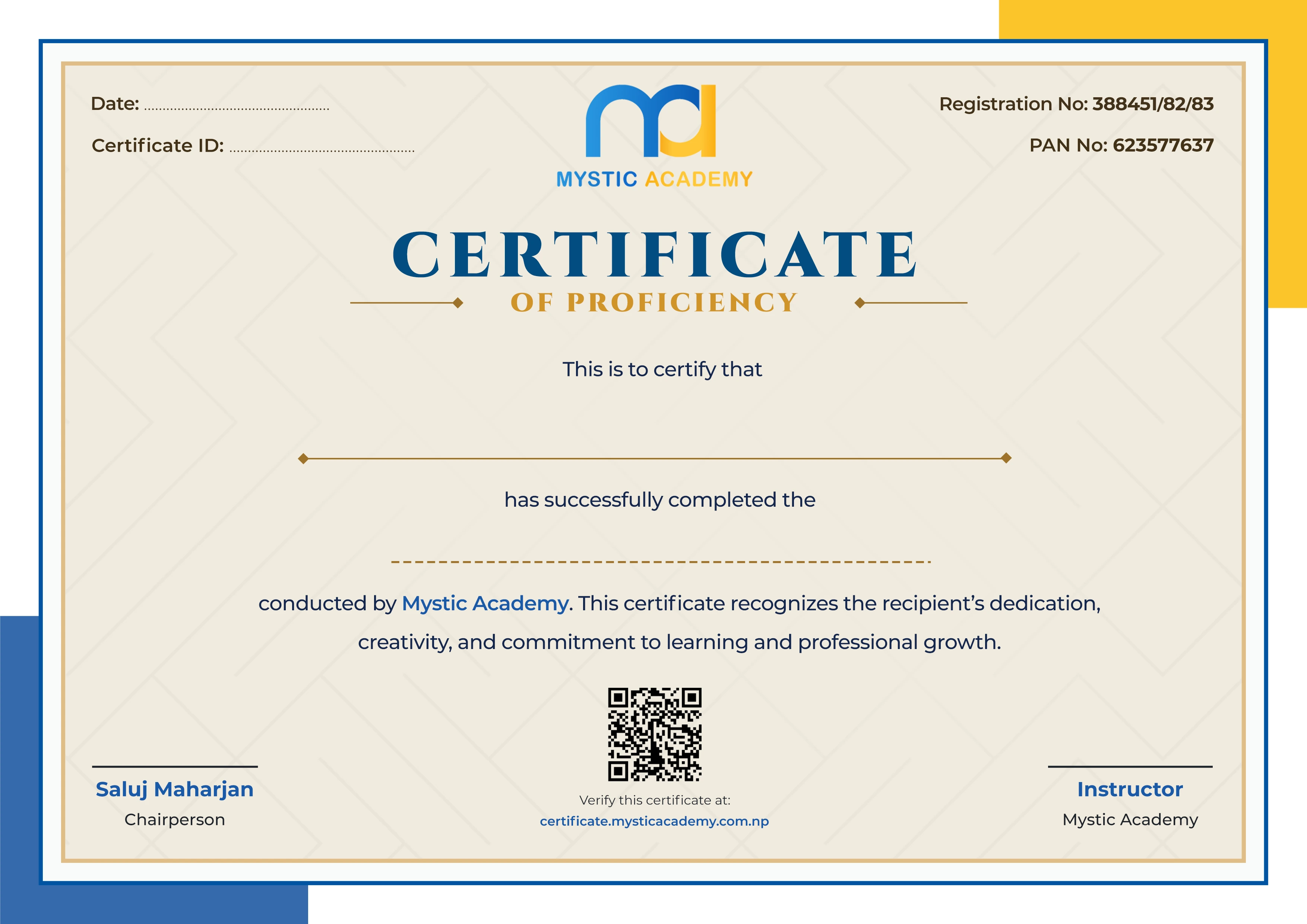
You receive a Mystic Academy certificate on completion, and anyone can verify it at /verify-certificate. We also offer placement support - career guidance, portfolio help and interview preparation - but we do not guarantee a job. To enrol, fill in the admission form at /apply-admission, or call or WhatsApp +977 9744977010 with any questions first.
Available Batches
No batch scheduled yet
We are scheduling the next batch. Leave your number and we will tell you when it starts.
Notify meLocate us
Earn a Certificate on completion
Upgrade your skills and earn a certificate that anyone can verify online. It helps you showcase your expertise and enhance your professional profile.
Already earned a certificate? Verify it here
Similar Courses
Explore other programs that might interest you

Quick Inquiry
Choose Class Schedules :
Notification
Message goes here.