




Graphic Design General
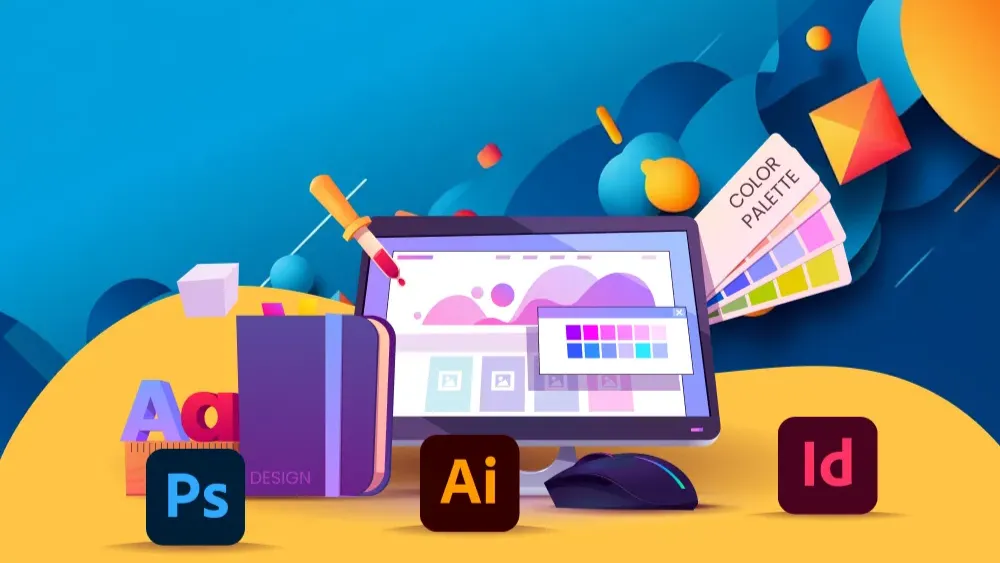
Hands-on 2.5-month graphic design training in Photoshop, Illustrator, InDesign, Figma, and Canva - master design principles, branding, and AI-assisted workflows, and graduate with a job-ready portfolio.
Access
mobile and TV
Completion
Course Overview
Learn the core skills and fundamentals of visual communication using the latest digital tools. Our hands-on course covers design theory, industry-standard software, project-based learning, client communication and portfolio creation.
Whether you’re aiming to work in computer graphics, multimedia, or web design, this career-focused training equips you with both practical skills and theoretical knowledge to succeed in a competitive creative world. From developing a strong design process to building a portfolio that shows your own style, the course helps you build the skills and portfolio employers look for.
Leap into a creative career and start designing visuals that impress, influence, and inspire!
Your Learning Journey
The course moves from design theory through each tool in turn, and ends with a full branding project and your portfolio. Lessons are hands-on, with weekly projects along the way and the theory behind them, so you practise the work rather than only reading about it.
Skills you’ll learn
Adobe Photoshop & Illustrator: Create and edit professional visuals.
Layout & Composition: Arrange elements for clarity and impact.
Typography & Color Theory: Convey brand identity and mood effectively.
Figma & UI/UX Basics: Wireframe and prototype simple app and website layouts.
Branding & Marketing Design: Develop cohesive visual identities.
Hands-on 2.5-month graphic design training in Photoshop, Illustrator, InDesign, Figma, and Canva - master design principles, branding, and AI-assisted workflows, and graduate with a job-ready portfolio.
Your Learning Journey
Our curriculum is researched, developed & updated by understanding the global scope & job demands. Taught by working professionals, the program is mostly practical and project-based, backed by essential theoretical frameworks.
Key Skills You'll Master
Design Theory & Visual Communication
The fundamentals the rest of the course builds on, before any software.
Photo Editing & Compositing
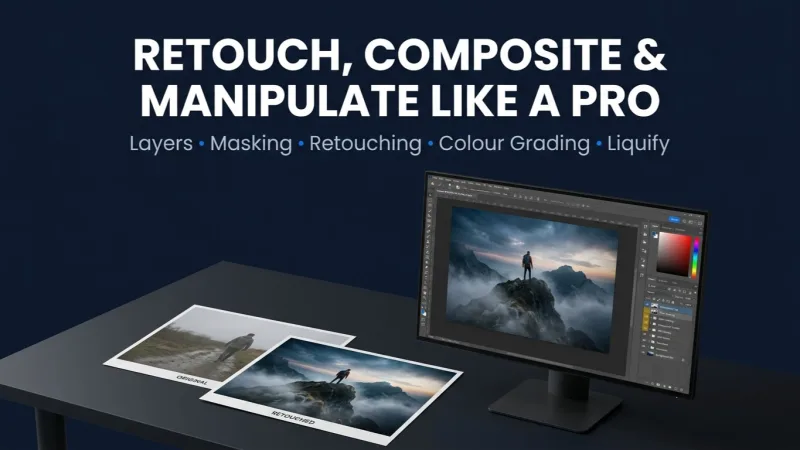
Selection, masking, effects and advanced retouching in Adobe Photoshop, from beginner to advanced.
Vector Illustration
Drawing, design and typography in Adobe Illustrator, with weekly projects.
Page Layout & Print
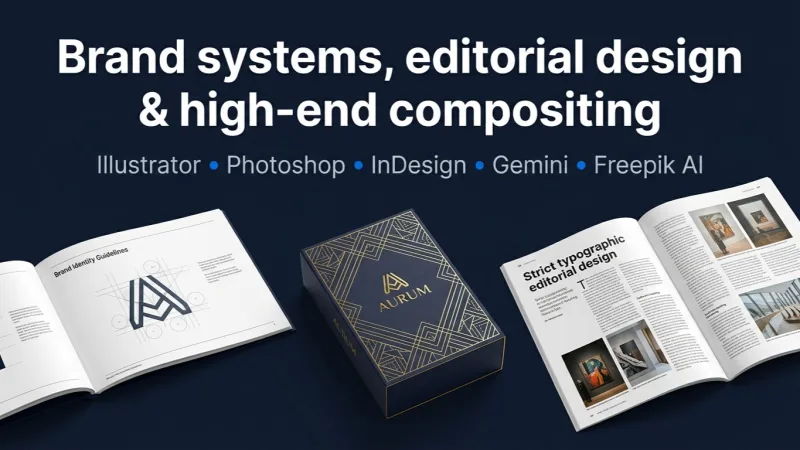
Adobe InDesign from basics to advanced, and the layout projects that go with it.
UI/UX & Prototyping
Frames, wireframing, prototyping, collaboration and asset export for app and website layouts.
AI in Graphic Design
Prompt engineering and AI-assisted workflow inside a designer's process.
Rapid Design with Canva
The quick-turnaround tool, for the work that does not need the full suite.
Export & Output
File formats and preparing artwork correctly for print and screen.
Portfolio & Career
A full branding project, portfolio creation, and how to present the work.
Prerequisites
No Prior Experience Required
Willingness to Learn
Access to Computer/Laptop
Basic English Understanding
Master Essential Tools & Platforms
Gain hands-on experience with tools widely used in the industry.
Adobe Photoshop
Adobe Illustrator
Adobe InDesign
Figma
Canva
Everything You Receive
Live classes
Live classes and streaming
Recorded Videos
Get our streamed video
Certificate
Verified
Placement support
Career guidance, portfolio and interview help
Course Curriculum
- What is Graphic Design
- Types of Graphics (Raster vs Vector)y
- Design Principles (Balance, Contrast, Hierarchy)
- Typography Basics
- Color Theory & Color Systems
- Design Lifecycle
Weekly Project:
- Typography-based poster design
Basics
- Interface & Workspace
- Tools Overview
- Layers & Layer Management
Image Editing & Adjustment
- Hue/Saturation, Vibrance
- Black & White Conversion
- Levels & Color Correction
- Dodge & Burn
Retouching
- Spot Healing
- Red Eye Removal
- Skin Retouching
- Spot Healing, Red Eye Removal
- Teeth & Eye Enhancement
Selection & Masking
- Remove Background
- Image Manipulation
- Text Behind Object
- Image Inside Text
Effects & Design
- Gradient, Stroke, Bevel
- Drop Shadow & Long Shadow
- Blending Modes
- Filters (Blur, Motion, Lens Flare)
Advanced
- Content Aware Fill
- Liquify Tool
- Advanced Selection
Projects
- Product Color Variations
- Background Removal
- Poster Design
- Social Media Post
- Photo Manipulation
Weekly Projects (Each Week):
- Week 2: Image correction
- Week 3: Retouching
- Week 4: Manipulation
- Week 5: Ad / Social post
- 📅 Duration: Week 6–7
📌 Basics
- Workspace & Tools
- Artboards
Drawing & Design
- Shapes & Pen Tool
- Logo Design
- Icon Design
- Illustration (Floral, Animal, Human)
Typography
- Text Effects
- Custom Typography
Advanced
- Patterns & Brushes
- 3D Effects
- Blending
Projects
- Logo Design
- Social Media Graphics
- Poster Design
Weekly Projects:
- Week 6: Logo Design
- Week 7: Poster / Social Creative
- 📅 Duration: Week 8
Basics
- Interface & Tools
- Pages & Layouts
Advanced
- Book Layout
- Magazine Design
- Data Merge
Project
- Book Cover Design
- Magazine Layout
- Data Merge
Weekly Project:
- Magazine or book cover
Duration: Week 9 (Part)
- Introduction to UI/UX
- Exporting assets
- Collaboration & Sharing
- Prototype
- Typography
- Shapes & Drawing tools
- Frames & Canvas
- Wireframing & Prototyping
- Basic App/Website Layout
- Prompt engineering
- Integrated AI tools in software
- AI image creation using different AI models like Firefly, Gemini, ChatGPT
- Pros & cons of using AI in graphic design
- 📅 Duration: Week 10
- Creating account
- Exploring the interface
- File creation
- Templates
- Elements
- Typography
- Working with images
- Working with images
- Working with images
- Social Media Design
- Quick Branding
- File Formats (PNG, JPG, PDF)
- Print vs Digital Design
- Packaging Files
- Portfolio Creation
- Freelancing Basics
- Client Handling
- Resource Websites (Free Images, Fonts)
Full Branding Project
- Logo Design
- Social Media Posts
- Poster Design
- Mockup Presentation
Available Batches
No batch scheduled yet
We are scheduling the next batch. Leave your number and we will tell you when it starts.
Notify meFAQs
No prior design experience is required. A regular laptop or desktop with the design software installed is enough - Module 1 starts from the very basics of design principles.
You'll work hands-on in Adobe Photoshop, Illustrator, and InDesign, plus Figma and Canva, covering both professional and quick-turnaround design tools.
It runs in hybrid mode, so you can attend physically at our Kathmandu center or join online - whichever suits you better.
Yes - Module 6 is dedicated to AI in graphic design, showing you how modern designers speed up their workflow with AI tools.
Yes, the final module is dedicated to building a job-ready design portfolio and preparing for your design career.
Yes, a Mystic Academy certificate of completion is awarded once you finish the course.
Available Batches
No batch scheduled yet
We are scheduling the next batch. Leave your number and we will tell you when it starts.
Notify meLocate us
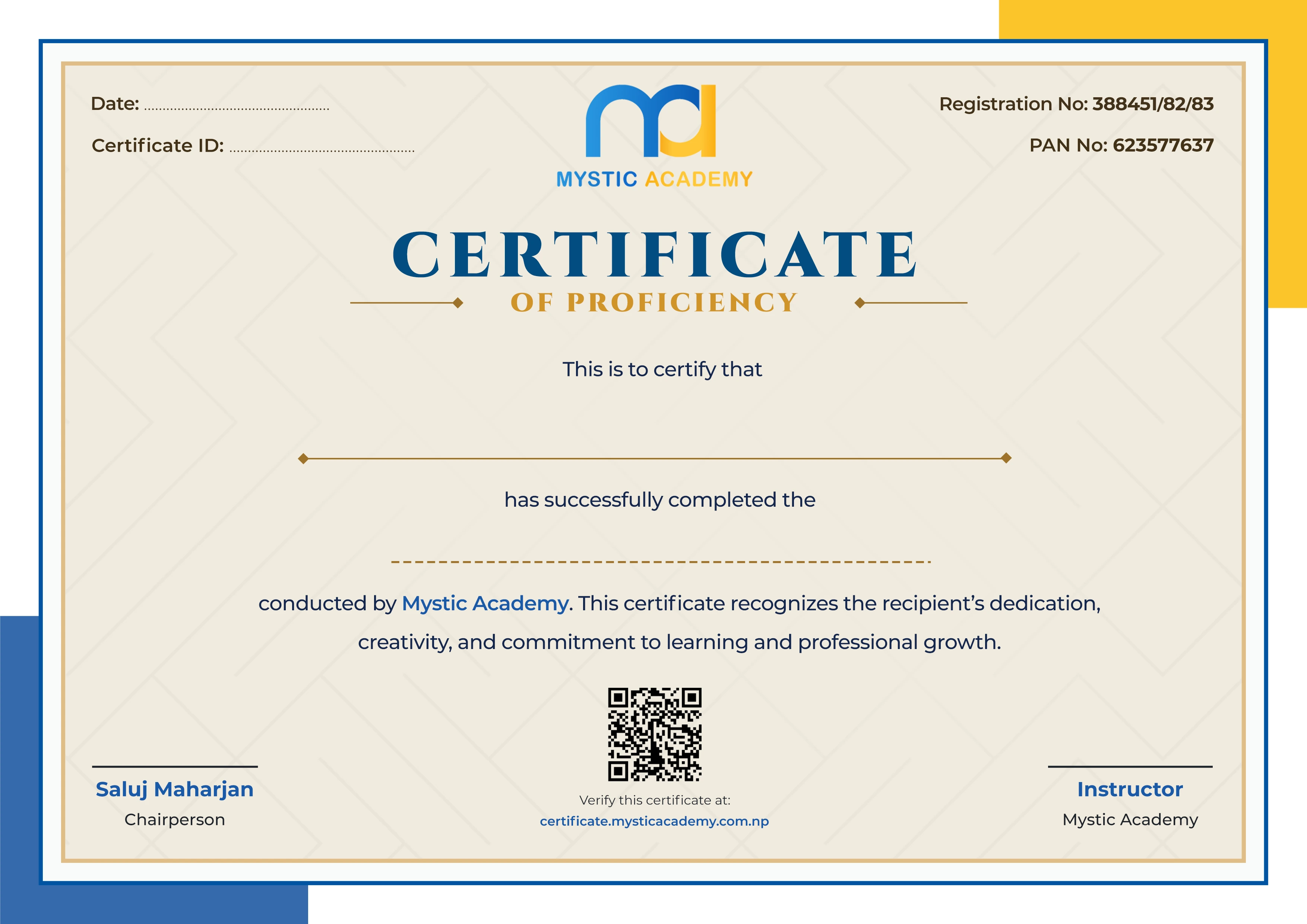
Earn a Certificate on completion
Upgrade your skills and earn a certificate that anyone can verify online. It helps you showcase your expertise and enhance your professional profile.
Already earned a certificate? Verify it here
Similar Courses
Explore other programs that might interest you

Quick Inquiry
Choose Class Schedules :
Notification
Message goes here.