




Illustrator & InDesign Mastery Course
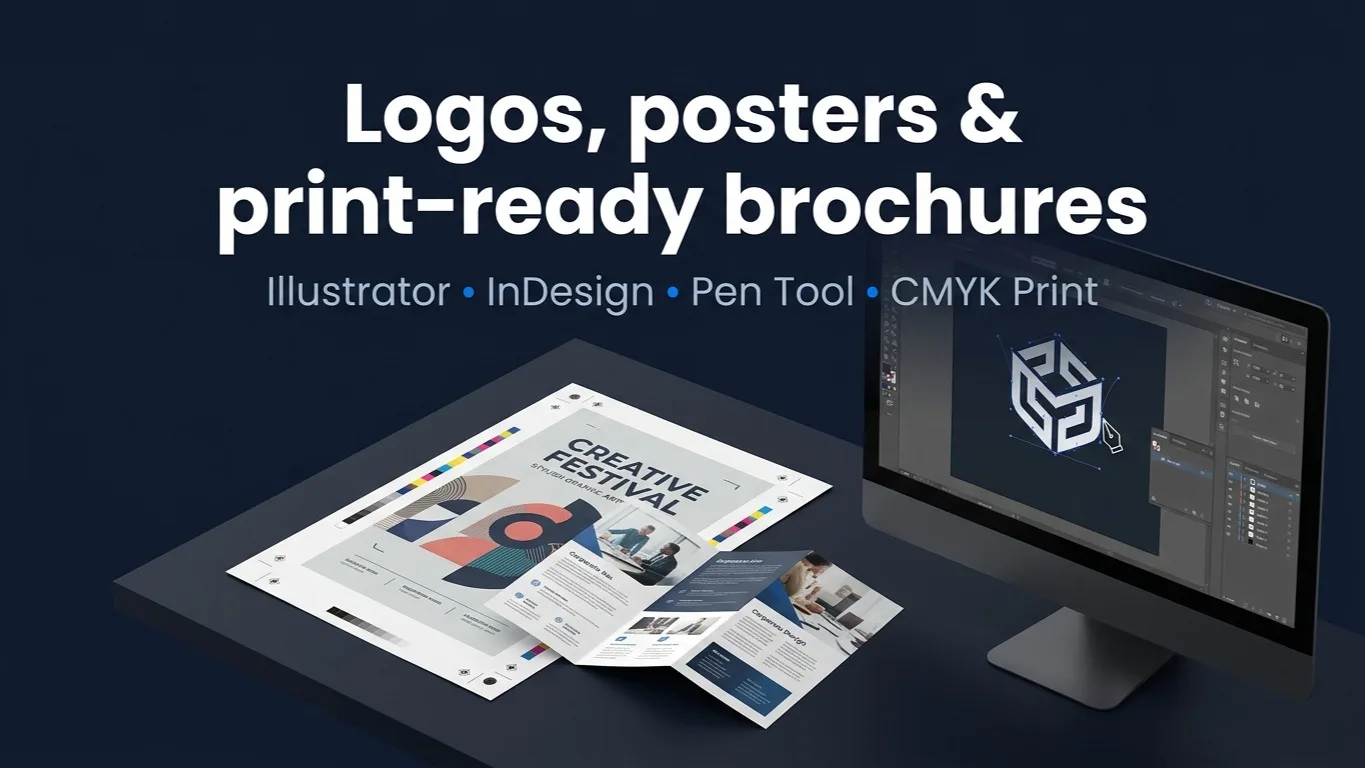
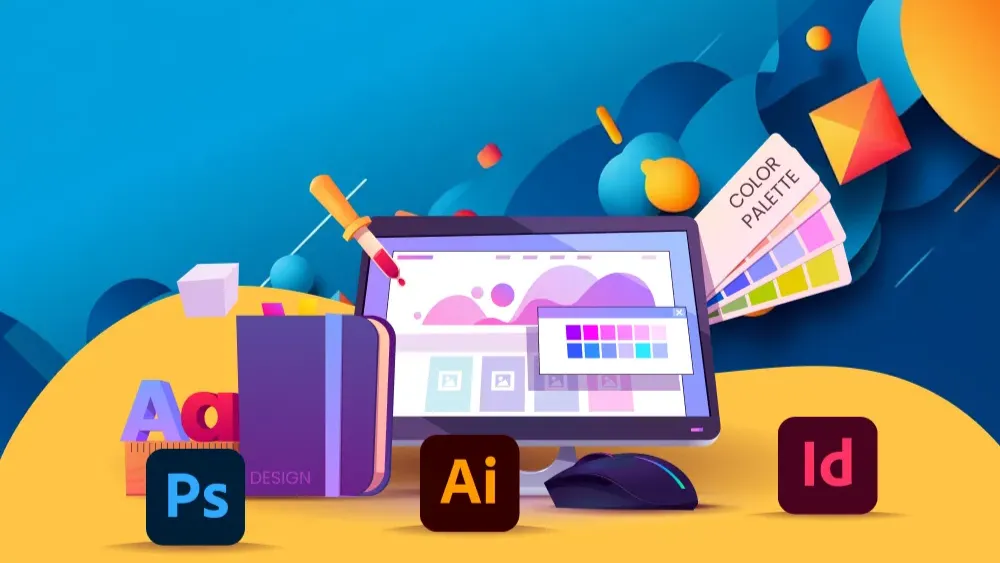
Learn Adobe Illustrator and InDesign from scratch and design confidently for both screen and print. Vector drawing, the pen tool, typography, logo design, 3D and print-ready artwork across three practical modules.
Access
mobile and TV
Completion
Course Overview
Want to learn Adobe Illustrator and Adobe InDesign from scratch and become confident in professional design for both digital and print? In this 1-Month Illustrator & InDesign Mastery Course you'll learn everything from the basics to intermediate techniques through practical projects and real-world assignments.
Hands-on projects & portfolio deliverables
- Typography design
- Social media post design
- Magazine design
- Print-ready artwork and tri-fold design
- Advertising design
- Logo and brand identity design
- Flyer and promotional design
- Business card and stationery design
- Digital painting
- Merchandise design and brand visuals
Learn Adobe Illustrator and InDesign from scratch and design confidently for both screen and print. Vector drawing, the pen tool, typography, logo design, 3D and print-ready artwork across three practical modules.
Your Learning Journey
Our curriculum is researched, developed & updated by understanding the global scope & job demands. Taught by working professionals, the program is mostly practical and project-based, backed by essential theoretical frameworks.
Key Skills You'll Master
Vector Drawing, Shapes and Illustration
Building artwork from ellipses, rectangles and lines, and combining them with Pathfinder.
Pen Tool, Pathfinder and Shape Builder
Anchor points, handles, Shape Builder and Subtract for precise vector construction.
Professional Typography & Text Design
Wrapped text, text on a circle, and type treated as a design element.
Colour, Gradients, Strokes & Creative Effects
Swatches, the colour guide, colour theory, gradients and stroke profiles.
Logo Design & Brand Identity
A logo taken through to both print and web output as a class project.
Icons, Patterns, Brushes & Vector Graphics
Brush presets, fidelity, width profiles and blended shapes.
Social Media & Digital Advertising Design
Screen-first artwork exported at the right size and format.
Poster, Flyer & Promotional Design
Three poster designs built from imported images, plus 3D-rendered finals.
Print Design, CMYK, Bleed & Print Preparation
RGB versus CMYK, when to convert, and preparing files that print correctly.
Adobe InDesign Page Layout & Typography
Multi-page layout and type for print production.
Brochure, Magazine & Company Profile Design
Long-form print pieces, from tri-fold to magazine.
Prerequisites
No prior design experience required - the course starts from the basics
A computer that can run Adobe Illustrator and Adobe InDesign
Willingness to complete the class projects
Master Essential Tools & Platforms
Gain hands-on experience with tools widely used in the industry.
Adobe Illustrator
InDesign
Everything You Receive
Live classes
Live classes and streaming
Recorded Videos
Get our streamed video
Certificate
Verified
Placement support
Career guidance, portfolio and interview help
Course Curriculum
Introduction & layers in Illustrator
- Introduction / exercise files
- Layers placement
- Project: sky placement in a sunflower field using layers
Drawing tools and techniques
- Ellipse, Rectangle and Line tools
- Swap colours
- Use Pathfinder divide and the Pathfinder tools to combine
- Shape Builder and Subtract
- Colour
- Project: arrange shapes for creative designs
Colour modes, swatches & colour theory
- RGB and CMYK
- Craft leaf-like designs
- Understanding screen versus print use, and how to switch or convert between them
- Swatches, Colour panel, Colour picker and Colour guide
- Colour theory
- Usage: save presets, create custom swatches and generate harmonious colour schemes using colour theory
Brush, pen and pencil tools
- Brush tool - create hand-drawn outlines and textures
- Pen tool - anchor points and handles
- Pencil tool - adjustable stroke width
- Brush presets and fidelity
- Refine lines using stroke options: cap, join, dashes and profiles
- Building shapes
- Project: create your first creative illustration
Width tool & blend shapes
- Width tool: vary stroke thickness along paths, craft leaf-like designs, and experiment with grid-driven typography to create floral fonts
- Blend shape: blend smoothly between shapes and colours, control steps and distance, and create intricate designs
Typography, gradients, effects & shadows
- Text style: wrap text, text in a circle, font and typography
- Gradient, stroke, bevel: gradient in text, stroke, Bevel and Emboss, adding gradient stroke and bevel in text
- Class project: create gradient, stroke, bevel and emboss in text
- Shadow: add a drop shadow, drop shadow in text, and a long drop shadow
- Class project: add a long drop shadow
Printing and digital production
- Multiple file formats
- Web and screens in RGB - choosing formats such as JPEG and PNG
- Export As, Export for Screens, Export Selection and asset export tools, with artboard options
- Project: logo design for print and web use
Blur, filters & visual styling
- How to blur an image, and how to make a background
- How to add motion
- How to add poster edge to an image
- How to add lens flare
- Class project: image background blur
- Effect and visual style: distort text and shapes, Shape Distort, and artistic and texture effects on images
- Project: load two imported images and create three poster designs
3D materials, gradient meshes & vectorizing
- 3D and Materials: Plane, Extrude, Revolve and Inflate (2D to 3D forms), adjusting lighting, gradients and shadows
- Project: render final designs for posters
- Gradient meshes: assigning colours
- Project: make an image effect using the mesh tool, such as fire or smoke
- Advanced vectorizing: image trace presets
Available Batches
No batch scheduled yet
We are scheduling the next batch. Leave your number and we will tell you when it starts.
Notify meFAQs
No. The syllabus is basic to intermediate and starts from the very beginning - exercise files, layers, and the basic drawing tools - before moving into the pen tool, typography and print production.
Adobe Illustrator, covered module by module across vector drawing, typography, 3D and print output, and Adobe InDesign for page layout, brochure, magazine and company profile work.
One month, across three modules and nine sections. Days and times are set per batch, so check the batch you are joining for its exact schedule.
We run both - online over Google Meet and in person at our Kathmandu centre. Ask us which format the next Illustrator and InDesign batch will use when you enquire.
A portfolio rather than a certificate alone: typography and social media designs, a logo and brand identity, poster and flyer work, a magazine layout, print-ready tri-fold artwork, business card and stationery design, and merchandise visuals.
A computer that can run Adobe Illustrator and InDesign. Exercise files come with the first module, so you are working on real artwork from the start.
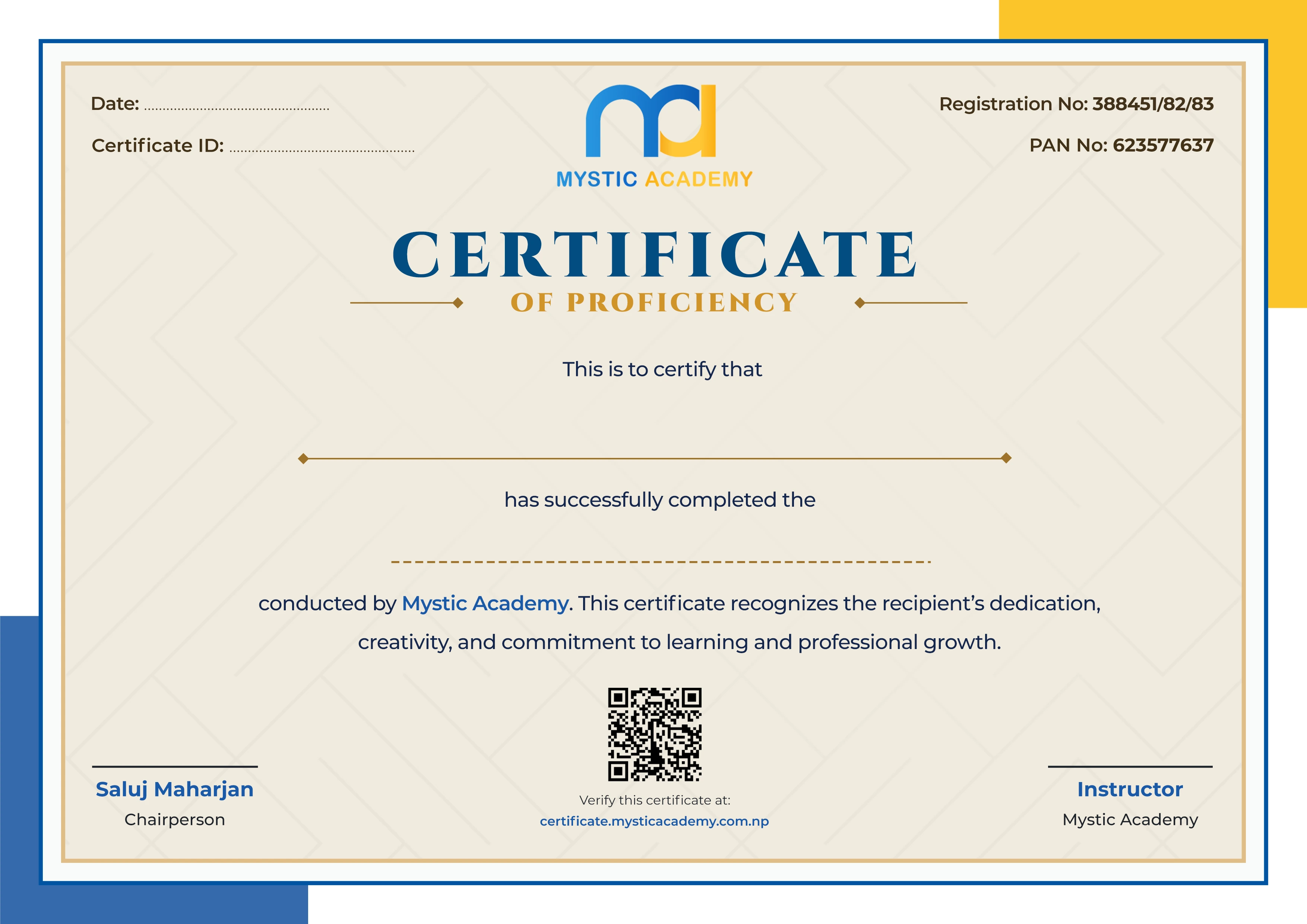
Yes - a Mystic Academy certificate of completion, issued once you have finished the course and cleared your fees.
Available Batches
No batch scheduled yet
We are scheduling the next batch. Leave your number and we will tell you when it starts.
Notify meLocate us
Earn a Certificate on completion
Upgrade your skills and earn a certificate that anyone can verify online. It helps you showcase your expertise and enhance your professional profile.
Already earned a certificate? Verify it here
Similar Courses
Explore other programs that might interest you

Quick Inquiry
Choose Class Schedules :
Notification
Message goes here.