




Advanced Graphic Designing
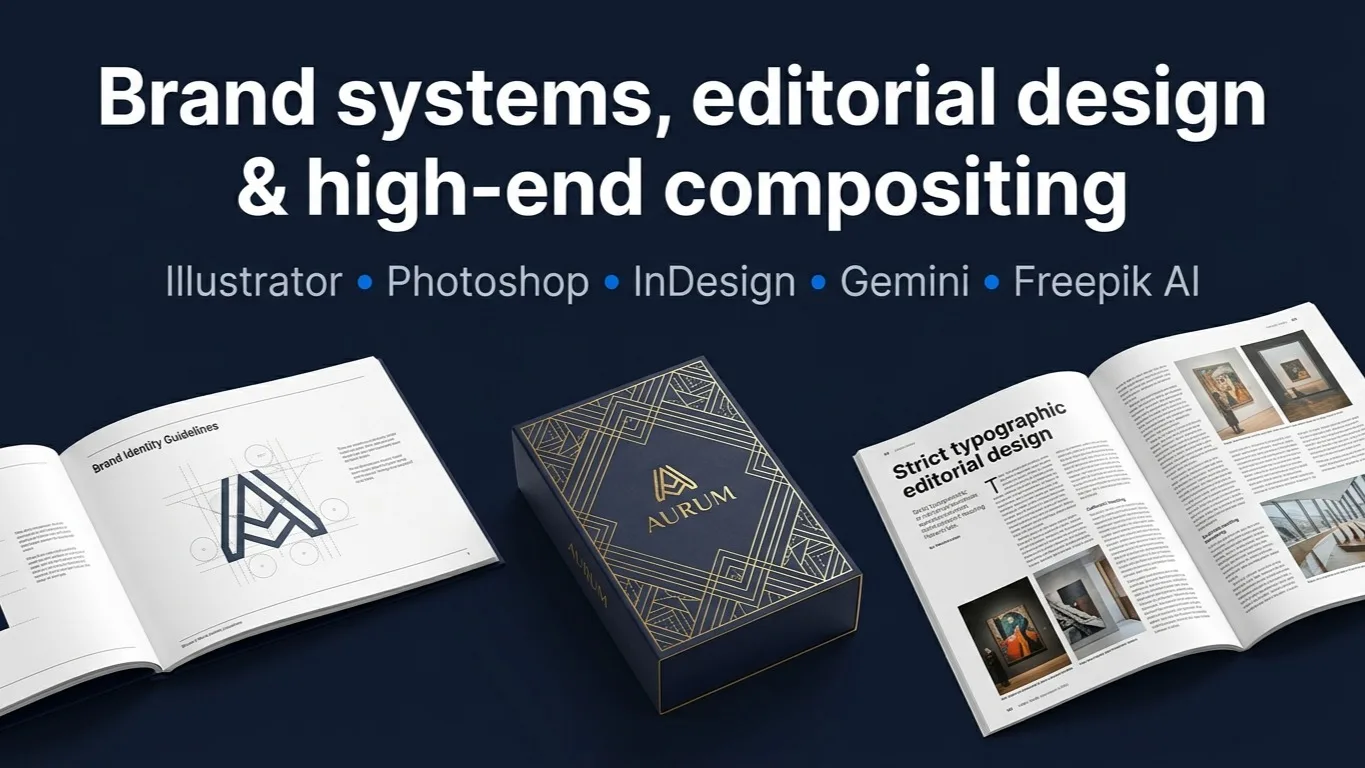
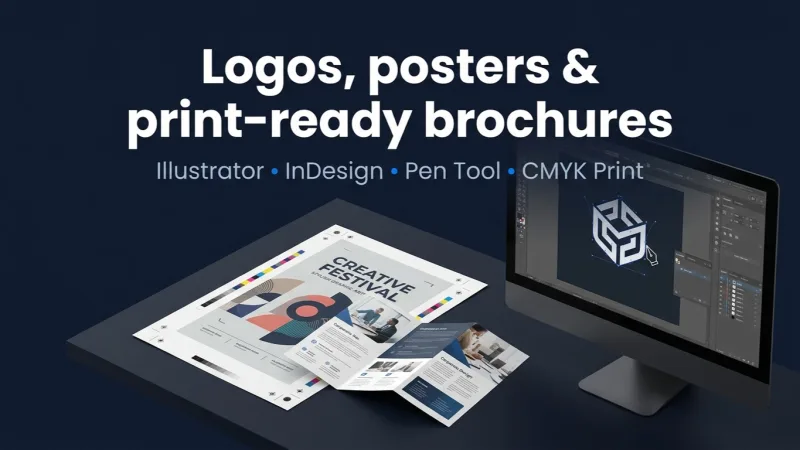
A 4-month, 48-session masterclass in advanced graphic design and visual communication. Vector engineering, high-end compositing, editorial layout, brand systems, generative AI and motion - ending on a portfolio defended before an industry panel.
Dipendra Dhakal
Graphic Designer & Motion GraphicsAccess
mobile and TV
Completion
Course Overview
An advanced, four-month masterclass in graphic design and visual communication - 16 weeks and 48 live interactive sessions, taught entirely online with screen sharing, demonstrations and live critiques.
The course moves from visual communication fundamentals and vector engineering, through high-end compositing and editorial layout, into generative AI workflows, brand systems, kinetic design and print production - and then spends a full month on nothing but your portfolio.
How it runs
- Duration: 4 months - 16 weeks, 48 live sessions
- Schedule: 3 days a week, 1.5 hours a session (4.5 hours of live instruction and lab per week)
- Delivery: 100% online live classes
- Software: Adobe Illustrator, Photoshop and InDesign, plus Gemini and Freepik AI
- Included: exercise files, class recordings, vector assets, mockups and templates
How you are taught
Assessment-based grading with three defended practical assessments, weekly peer critiques, and a dedicated portfolio-finishing month ending in a live defence before an industry review panel.
A 4-month, 48-session masterclass in advanced graphic design and visual communication. Vector engineering, high-end compositing, editorial layout, brand systems, generative AI and motion - ending on a portfolio defended before an industry panel.
Your Learning Journey
Our curriculum is researched, developed & updated by understanding the global scope & job demands. Taught by working professionals, the program is mostly practical and project-based, backed by essential theoretical frameworks.
Key Skills You'll Master
Visual Communication & Composition
Gestalt principles, visual hierarchy, focal points and balance (Week 1).
Advanced Vector Engineering
Precision pen tool, Pathfinder formulas, the Appearance panel and custom brushes (Week 2).
Micro-Typography & Grid Systems
Manual kerning, tracking, optical alignment, modular grids and scale systems (Weeks 3, 7).
Brand Identity & Logomark Construction
Briefs to moodboards to responsive vector marks, assessed and defended (Week 4).
High-End Digital Compositing
Non-destructive workflows, frequency separation, match-lighting and shadow generation (Week 5).
Product Mockups & Surface Texturing
Smart object nesting, displacement mapping, foil and emboss simulation (Week 6).
Editorial Layout & Pre-Flight
Parent pages, style hierarchies, CMYK, bleed and export profiles in InDesign (Weeks 7–8).
Generative AI in Design
Prompt engineering with Gemini, and image generation, style matching and vector conversion with Freepik AI (Week 9).
Brand Guidelines & Systems
Brand books covering clear space, colour systems and application rules (Week 10).
Kinetic Design & Micro-Animation
Easing, timing and keyframing to animate logomarks and social graphics (Week 11).
Print Production & Finishes
Spot UV, foil stamping, embossing, stock selection and press handoff (Week 12).
Portfolio & Professional Practice
Case study writing, portfolio architecture, pricing, contracts and a live defence (Weeks 13–16).
Prerequisites
Working familiarity with Adobe Photoshop and Illustrator - Week 2 opens on advanced vector engineering
A computer that can run Adobe Illustrator, Photoshop and InDesign
A reliable internet connection: every session is live online
Three evenings a week for sixteen weeks, plus time for the assessments
Master Essential Tools & Platforms
Gain hands-on experience with tools widely used in the industry.
Adobe Illustrator
Adobe Photoshop
Adobe InDesign
Gemini
Freepik AI
Everything You Receive
Live classes
Live classes and streaming
Recorded Videos
Get our streamed video
Certificate
Verified
Placement support
Career guidance, portfolio and interview help
Course Curriculum
Week 1: Fundamentals of Visual Communication & Composition
- Session 1: Gestalt principles, visual hierarchy, focal points, and balance in graphic layout.
- Session 2: Color theory deep-dive: dynamic color psychology, contrast ratios, and palette building.
- Session 3: Deconstructing successful design vs. flawed visual communication through live case studies.
Week 2: Advanced Vector Engineering (Adobe Illustrator)
- Session 1: Precision Pen Tool mechanics, Pathfinder formulas, and vector shape manipulation.
- Session 2: Complex gradients, Appearance Panel mastery, transparency masks, and custom brush creation.
- Session 3: Guided Studio Lab: Building a technical vector icon set using exercise starter files.
Week 3: Micro-Typography & Spatial Architecture
- Session 1: Micro-typography rules: manual kerning, tracking, leading, optical alignment, and rag control.
- Session 2: Typographic pairings, scale systems, modular grids, and expressive display type.
- Session 3: Peer Critique: Evaluating typographic hierarchy and spatial dynamics across print and screen.
Week 4: Brand Identity & Logomark Construction (Assessment Week)
- Session 1: Translating creative briefs into visual strategy, moodboards, and conceptual direction.
- Session 2: Vector logo construction, geometric grid alignment, and responsive brand mark variations.
- Session 3: Practical Assessment 1 Submission & Defense: Logomark design and vector handoff.
Week 5: High-End Digital Compositing (Adobe Photoshop)
- Session 1: Non-destructive workflows: smart objects, advanced masking, and frequency separation.
- Session 2: Match-lighting techniques, perspective alignment, and realistic shadow generation.
- Session 3: Guided Studio Lab: Crafting a hero commercial key visual from raw stock assets.
Week 6: Product Mockups & Realistic Surface Texturing
- Session 1: Smart Object nesting, displacement mapping, and applying artwork to organic surfaces.
- Session 2: Surface texturing, foil/emboss simulation, and atmospheric lighting effects.
- Session 3: Critique Session: Evaluating photorealism, lighting consistency, and edge refinement.
Week 7: Grid Systems & Layout Architecture (Adobe InDesign)
- Session 1: Baseline grids, modular column grids, and typographic alignment math in InDesign.
- Session 2: Master/Parent pages, automated page numbering, paragraph, and character style hierarchies.
- Session 3: Practical Exercise: Building a multi-column editorial magazine spread framework.
Week 8: Multi-Page Editorial Production & Pre-Flight (Assessment Week)
- Session 1: Linking Photoshop and Illustrator assets cleanly into InDesign.
- Session 2: Pre-flight checks, CMYK color spaces, bleed management, spot colors, and export profiles.
- Session 3: Practical Assessment 2 Review: Submission of an 8-page formatted editorial document.
Week 9: Generative AI & Creative Workflows (Gemini & Freepik AI)
- Session 1 (AI Strategy & Gemini): Prompt engineering, campaign ideation, copy generation, and creative direction using Gemini.
- Session 2 (Freepik AI Toolkit): AI image generation, style matching, upscaling, vector transformation, and real-time canvas editing with Freepik AI.
- Session 3 (Guided Studio Lab): Integrating AI-generated assets into Adobe Photoshop and Illustrator layouts while maintaining brand consistency.
Week 10: Comprehensive Brand Guidelines Manual
- Session 1: Structure of professional Brand Books: clear rules for logo clear space, color systems, and typography.
- Session 2: Specifying brand application rules across digital, print, merchandise, and environmental spaces.
- Session 3: Critique Session: Stress-testing brand manuals against real-world edge-case applications.
Week 11: Kinetic Design & Micro-Animations for Branding
- Session 1: Intro to kinetic design principles: easing, timing, keyframing, and motion personality.
- Session 2: Animating static vector logomarks and social media motion graphics.
- Session 3: Motion Check-In: Reviewing animation fluidity, easing curves, and visual rhythm.
Week 12: Production Realities & Print Finishes (Assessment Week)
- Session 1: Advanced print finishes: designing separate layers for spot UV, foil stamping, and embossing.
- Session 2: Paper stock selection, press check prep, pantone color matching, and press handoff files.
- Session 3: Practical Assessment 3 Review: Campaign mockup & production file package defense.
Week 13: Portfolio Curation & Case Study Architecture
- Session 1: Curation strategy: quality over quantity. Selecting and organizing top 3 anchor projects.
- Session 2: Writing compelling design case studies: problem statements, design process, and business impact.
- Session 3: Studio Lab: Structuring raw project files, hero shots, and process sketches into storytelling decks.
Week 14: Portfolio Presentation & Interactive Layout
- Session 1: Designing custom portfolio layouts in Adobe InDesign and web presentation platforms (Behance / PDF deck).
- Session 2: Building high-impact visual mockups, thumbnail sequences, and interactive PDF navigation.
- Session 3: Peer Review: Evaluating portfolio visual hierarchy, navigation ease, and initial impression.
Week 15: One-on-One Portfolio Critique & Art Direction Polish
- Session 1: 1-on-1 Deep-Dive Reviews: Granular visual audit of student portfolio pages and project assets.
- Session 2: Typography, alignment, color tuning, and pixel-perfect polish of all case study spreads.
- Session 3: Final Asset Polish: Exporting high-res print PDFs, web-optimized decks, and Behance project assets.
Week 16: Professional Practice & Final Portfolio Defense
- Session 1: Business of graphic design: pricing frameworks, freelance client management, contracts, and IP rights.
- Session 2: Interview strategies, agency expectations, and presenting design decisions to non-design stakeholders.
- Session 3: FINAL PORTFOLIO DEFENSE: Live presentation of 3 polished case studies before an industry review panel.
Available Batches
No batch scheduled yet
We are scheduling the next batch. Leave your number and we will tell you when it starts.
Notify meFAQs
Four months - 16 weeks and 48 live sessions. Classes run three days a week at an hour and a half per session, which is how the current batch is scheduled.
Online. Sessions are live over Google Meet with screen sharing, demos and live critiques rather than recorded lectures, and the current batch runs that way.
No - this is the advanced course. Week 1 covers visual communication fundamentals, but Week 2 goes straight into precision pen tool work and Pathfinder formulas, so you should already be comfortable in Photoshop and Illustrator. If you are starting out, ask us about the foundation courses first.
Adobe Illustrator, Photoshop and InDesign across the first three months, plus generative AI - Gemini for creative direction and copy, and Freepik AI for image generation, style matching and vector conversion - in Week 9.
Three practical assessments, at the end of Weeks 4, 8 and 12: a logomark and vector handoff, an 8-page editorial document, and a campaign mockup with its production file package. Each is submitted and defended.
A portfolio, not just a certificate. The whole of Month 4 is portfolio work - curating three anchor projects, writing them up as case studies, one-to-one art direction, and a final live defence before an industry review panel.
Yes - a Mystic Academy certificate of completion, issued once you have finished the course and cleared your fees.
Instructor
Dipendra Dhakal
Graphic Designer & Motion Graphics
22+ Years of Experience1
CoursesAvailable Batches
No batch scheduled yet
We are scheduling the next batch. Leave your number and we will tell you when it starts.
Notify meLocate us
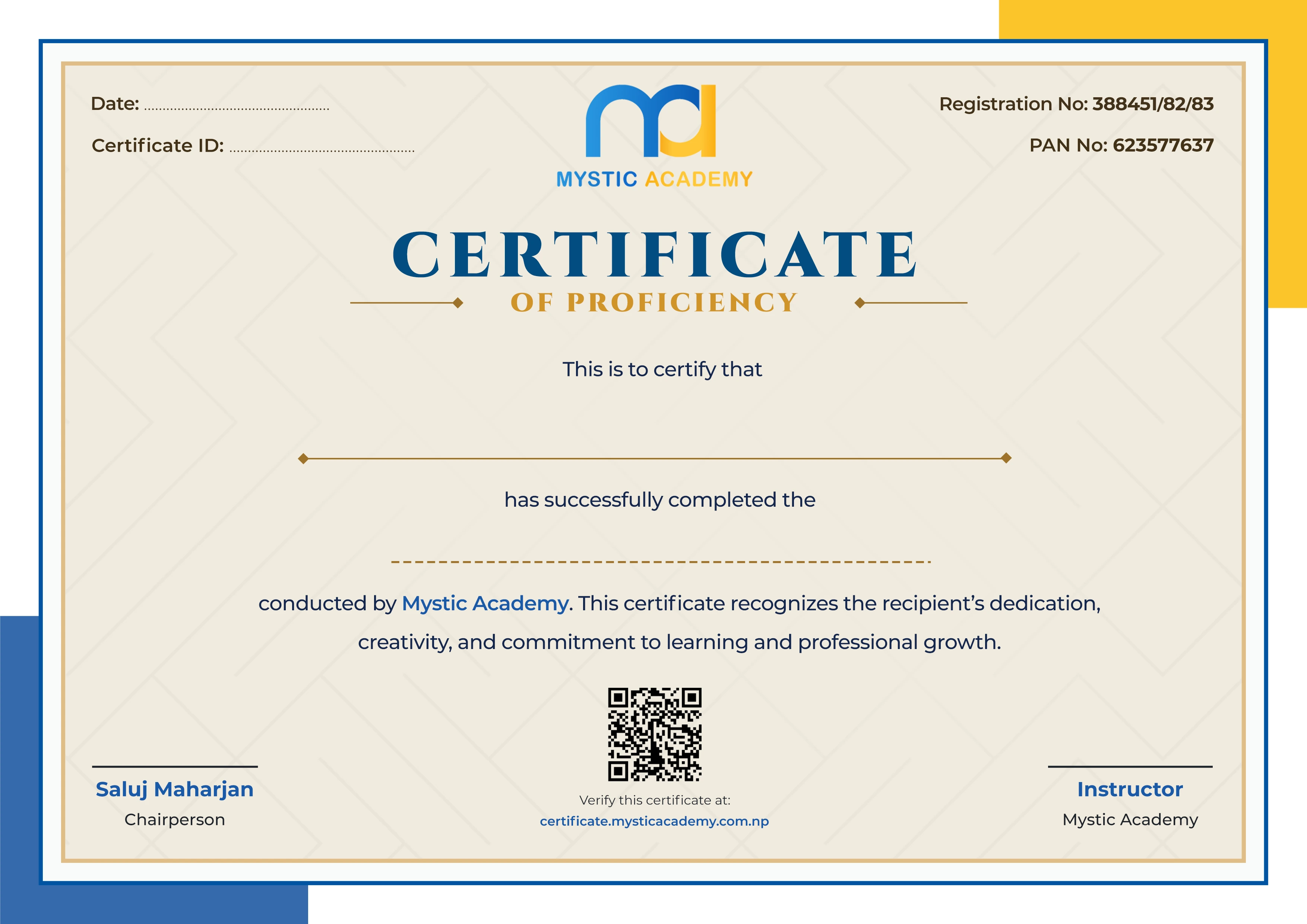
Earn a Certificate on completion
Upgrade your skills and earn a certificate that anyone can verify online. It helps you showcase your expertise and enhance your professional profile.
Already earned a certificate? Verify it here
Similar Courses
Explore other programs that might interest you

Quick Inquiry
Choose Class Schedules :
Notification
Message goes here.