



Photoshop Mastery Course
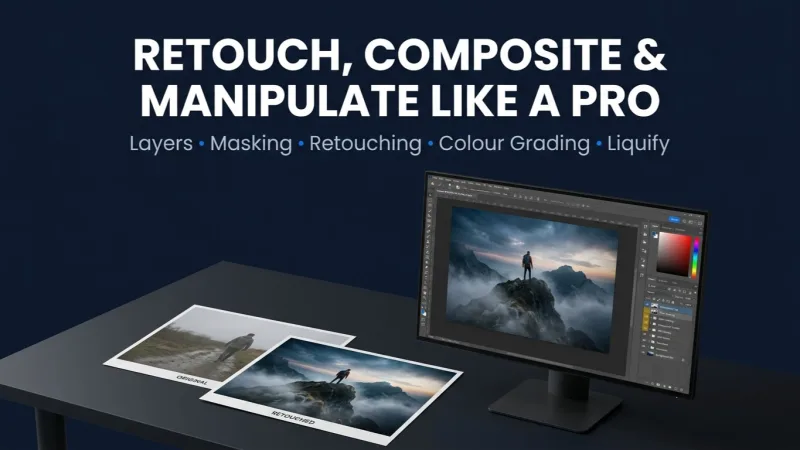
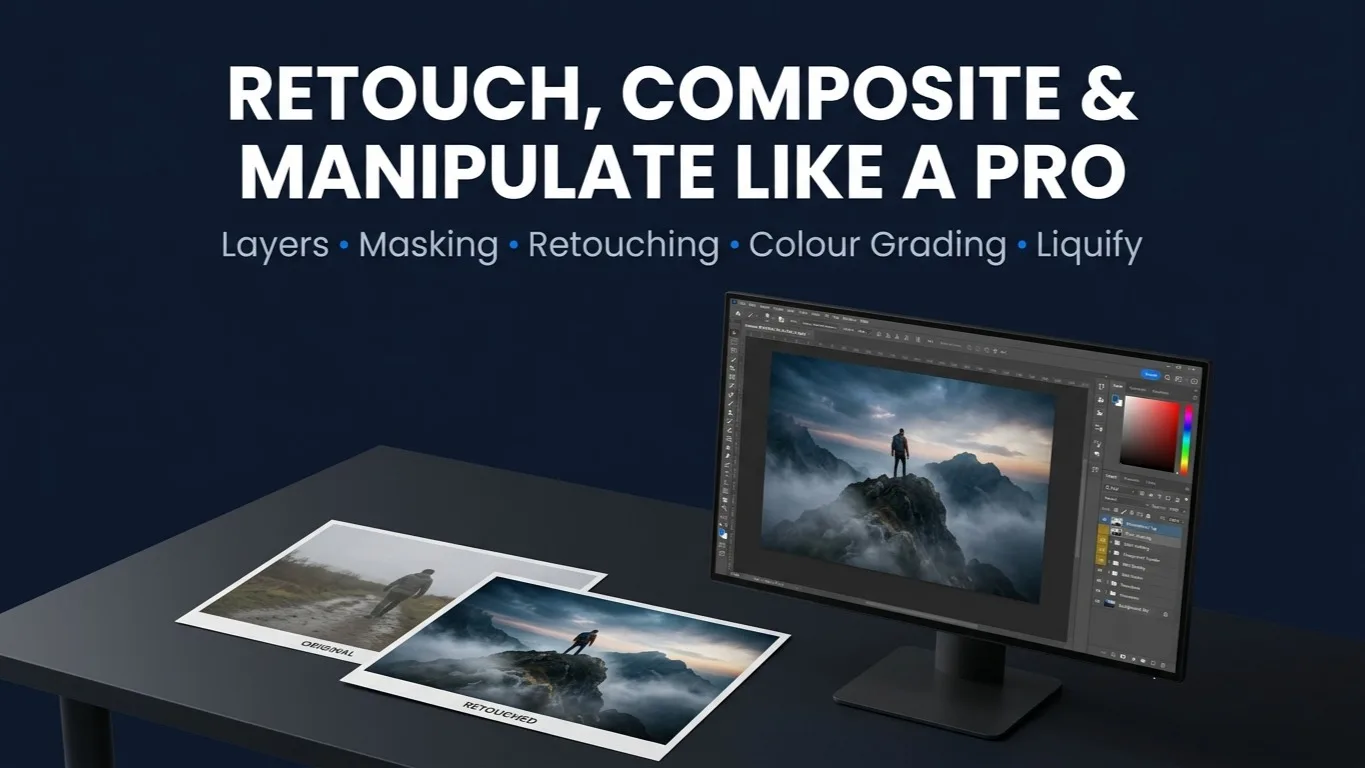
Learn Photoshop from scratch and become confident in professional design and photo editing. Seven modules of practical work; layers, colour correction, typography, masking, retouching, and advanced selection; building a real portfolio.
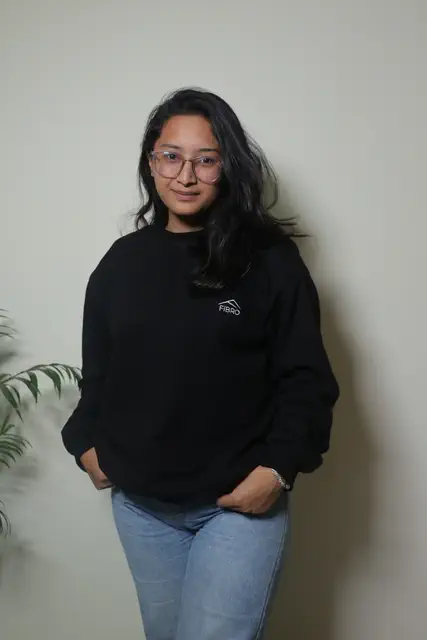
Unjiya Tuladhar
Graphics Designer InstructorAccess
mobile and TV
Completion
Course Overview
Want to learn Photoshop from scratch and become confident in professional design and photo editing? In this 1-Month Photoshop Mastery Course you'll learn everything from the basics to advanced techniques through practical projects and real-world assignments. Turn your creativity into professional design skills and build a portfolio with real projects.
Hands-on projects & portfolio deliverables
By the end of this course you'll be able to create professional social media graphics, advertisements, photo manipulations, brand mockups and commercial-quality designs with confidence:
- Typography design
- Social media post design
- Brand mockup design for brand visuals
Learn Photoshop from scratch and become confident in professional design and photo editing. Seven modules of practical work; layers, colour correction, typography, masking, retouching, and advanced selection; building a real portfolio.
Your Learning Journey
Our curriculum is researched, developed & updated by understanding the global scope & job demands. Taught by working professionals, the program is mostly practical and project-based, backed by essential theoretical frameworks.
Key Skills You'll Master
Layers & Photo Compositing
Layer placement, ordering and compositing to build one image out of several.
Colour Correction & Adjustments
Hue, saturation, vibrance, levels, and the Dodge and Burn tools.
Shapes, Symbols & Creative Designs
Custom shape tools and shape-built layouts such as postcards.
Content-Aware Fill & Cropping
Removing unwanted people, objects and text, and cropping to composition.
Professional Text Effects & Typography
Wrapped text, text on a circle, and text set into a composition.
Gradient, Stroke, Bevel & Shadow Effects
Layer styles on text and images, including long drop shadows.
Blending, Masking & Background Removal
Blend modes, masks, and putting an image inside or behind text.
Blur, Filters & Visual Effects
Motion blur, poster edge, lens flare and background blur.
Photo Retouching & Skin Editing
Spot healing, red-eye removal, teeth and eye retouching.
Advanced Selection & Liquify Tools
Perspective selection, difficult edges, and the Liquify tool.
Professional Photo Manipulation Techniques
Full composites built from multiple sources, start to finish.
Exporting & Production Workflow
Exporting for print and screen at the right size and format.
Prerequisites
No prior Photoshop or design experience required
A computer that can run Adobe Photoshop (your own, for the online batch)
Willingness to complete the class projects
Master Essential Tools & Platforms
Gain hands-on experience with tools widely used in the industry.
Photoshop 2025
Everything You Receive
Live classes
Live classes and streaming
Recorded Videos
Get our streamed video
Certificate
Verified
Placement support
Career guidance, portfolio and interview help
Course Curriculum
- Introduction / exercise files
Layers in Photoshop
- Layers placement
- Sky placement in a sunflower field using layers
Colour and adjustments
- Hue and saturation
- Vibrance and saturation
- Changing a specific colour using Hue
- How to make a black and white image
- Dodge and Burn tool
- Fixing an image using Levels
- Project: create four versions of one product in four different colours (bag / shoe)
Symbols and shapes pool
- Shapes - custom shape tools
- Create a postcard using shapes
Content-Aware & cropping
- Content-Aware - remove a person and text using Content-Aware
- Crop
- Class project: remove a fence from an image using Content-Aware
Text style
- Text - wrap text
- Text in a circle
Gradient, stroke, bevel
- Gradient - gradient in text
- Gradient in an image
- Stroke
- Bevel and Emboss
- Add gradient, stroke and bevel in text
- Class project: create gradient, stroke, bevel and emboss in text
Shadow
- Add a drop shadow
- How to add a drop shadow in text
- How to add a long drop shadow
- Class project: add a long drop shadow
Blending
- Image blending
- Text blending
Selection and masking
- Copy an image and paste it into another image (photo manipulation)
- How to add an image inside text
- How to add text behind an image
- Text in and out with an image
- How to remove a background
- Class project: text interaction with a tree
- Brush tools
Blur and filter
- How to blur an image
- How to make a background
- How to add motion
- How to add poster edge to an image
- How to add lens flare
- Class project: image background blur
Retouch
- How to remove red eye
- Spot healing, eye whitening, eye retouch, blue lens, teeth retouch
- Class project: remove spots from skin
Effect and visual style
- How to create a 3D glass effect
- How to make a new image look old
- Class project: 3D glass effect on an image and text
- Export
Advanced tools
- Advanced use of the Liquify tool
- Advanced selection
Advanced selection and masking
- Remove a fence from an image
- Island inside a rounded glass bottle
- Perspective selection
- How to blur a background
- Removing a background
- Adding a background
- Use of Liquify - cutter and muscle builder tools
Available Batches
29 Oct 2026
Not available in your region
FAQs
No. The course is built for complete beginners and starts from the very basics - opening the exercise files, understanding layers, and building up from there. If you are comfortable using a computer, you can start.
Both have run. The current batch is online, live over Google Meet, and an earlier batch ran in person at our Kathmandu centre. Ask us which format the next batch uses when you enquire.
One month. Days and times are set per batch - the current online batch meets five evenings a week for an hour and a half. Check the batch you are joining for its exact schedule.
Professional social media graphics, advertisements, photo manipulations and brand mockups. The course finishes on three portfolio pieces - a typography design, a social media post design and a brand mockup - and most modules carry their own class project along the way, so you build the portfolio as you go rather than at the end.
A computer that can run Adobe Photoshop. For the online batch you will need it at home; if you are attending in person, ask us what is provided. Exercise files come with the first module, so you are working on real images from the start.
Yes - a Mystic Academy certificate of completion, issued once you have finished the course and cleared your fees.
Instructor
Unjiya Tuladhar
Graphics Designer Instructor
6+ Years of Experience1
CoursesAvailable Batches
29 Oct 2026
Not available in your region
Locate us
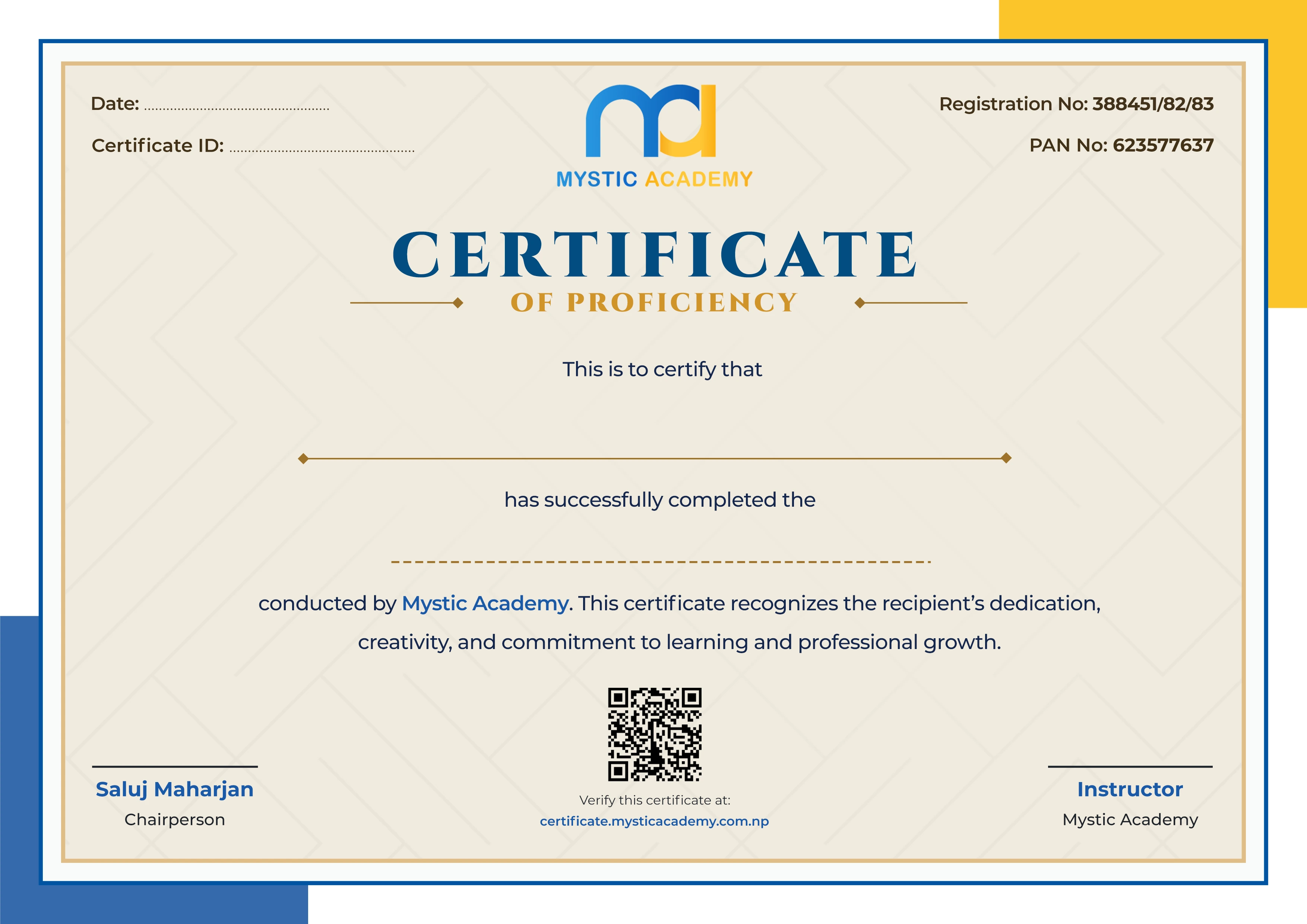
Earn a Certificate on completion
Upgrade your skills and earn a certificate that anyone can verify online. It helps you showcase your expertise and enhance your professional profile.
Already earned a certificate? Verify it here
Similar Courses
Explore other programs that might interest you

Quick Inquiry
Choose Class Schedules :
Notification
Message goes here.