





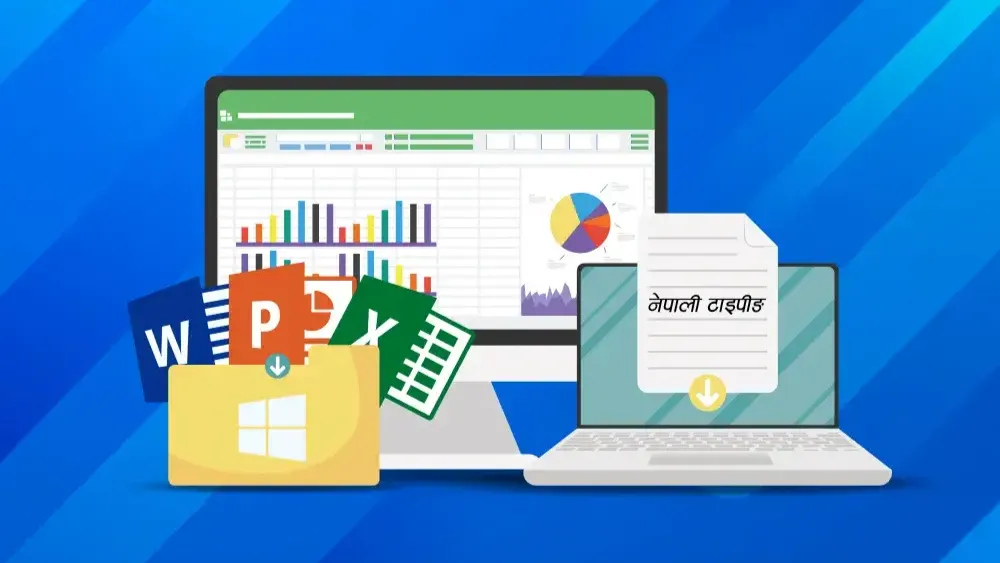
Basic Computer and MS Office
Practical 1.5-month computer training covering Windows 11, MS Word, Excel & PowerPoint, plus Google Workspace collaboration, AI productivity tools, internet & email, and Nepali typing.
Saluj Maharjan
InstructorAccess
mobile and TV
Completion
Course Overview
Computer basics & Microsoft Office Package
Computer basic MS Office Package (MS Word, MS Excel, MS PowerPoint, Nepali Typing, and Email & Internet) Training in Kathmandu, Nepal
Course Overview
Mystic Academy Nepal has designed this Microsoft Office Training Course for professionals who handle day-to-day office tasks using essential office software, including Word, Excel, and PowerPoint. Unlike other computer training institutes in Kathmandu, we focus on building confidence and practical skills in Microsoft Office programs.
Microsoft Word Training helps you master word processing and create professional documents with ease. Microsoft Excel Training equips you to manage calculations, data entry, and data analysis efficiently. Microsoft PowerPoint Training guides you in designing impactful slides and presentations for meetings, seminars, and workshops.
Take the leap into a creative career and start designing visuals that impress, influence, and inspire!
Your Learning Journey
Our curriculum is researched, developed & updated by understanding the global scope & job demands. Conducted by industry-leading expert instructors, the program offers more than 85% of an in-depth practical approach backed by essential theoretical frameworks.
Skills you’ll learn
Computer Fundamentals: Know hardware, software, operating systems, and basic file management (create, copy, delete, and organize files).
Windows OS Essentials: Explore the Windows desktop, taskbar, system settings, control panel, and user accounts.
Word Processing (MS Word): Prepare, format, and edit documents. Use styles, headers/footers, lists, tables, images, and mail merge.
Spreadsheet Skills (MS Excel): Enter data and format it; use formulae and functions; sort and filter; create tables and charts; and apply basic data analysis tools.
Presentation basic (MS PowerPoint): Create presentation slides, templates, and themes, insert text, images, and graphs, and add transitions and animations.
Practical 1.5-month computer training covering Windows 11, MS Word, Excel & PowerPoint, plus Google Workspace collaboration, AI productivity tools, internet & email, and Nepali typing.
Your Learning Journey
Our curriculum is researched, developed & updated by understanding the global scope & job demands. Taught by working professionals, the program is mostly practical and project-based, backed by essential theoretical frameworks.
Master Essential Tools & Platforms
Gain hands-on experience with tools widely used in the industry.
Windows 11
Microsoft Word
Microsoft Excel
Microsoft PowerPoint
Google Workspace
Preeti & Nepali Unicode
Everything You Receive
Live classes
Live classes and streaming
Recorded Videos
Get our streamed video
Certificate
Verified
Placement support
Career guidance, portfolio and interview help
Course Curriculum
- Introduction to types of basic devices
- Introduction to Microsoft Word, Excel and Powerpoint
- Introduction to the Windows Environment
- Creating folders and managing folder structure to store files in order
- Searching and opening files
- Setting user privileges as per the users
- Installing/setting applications and uninstalling applications
- Configuring devices and installing device drivers
- Virus and security threats; virus scanning and cleaning to avoid threats
- Creating backups of files
- Setting printing options before sending print commands
- Writing files to removable drives, CD, or DVD using related software
- Create and format text
- Copy and paste; copy format and paste format
- Develop headings and create formats in different styles
- Creating styles and formatting documents
- Find the desired text and replace it with new text
- Inserting pictures, formatting pictures, adjusting color, and arranging pictures
- Inserting clipart, SmartArts, and graphs
- Creating hyperlinks and adding comments
- Working with header, footer, textbox, equation, and symbols
- Working with page design and layout
- Creating Table of Contents, footnotes, endnotes, list of tables, and list of figures
- Creating bibliography, cross-references, and captions
- Working with comments and Track Changes
- Mail Merge
- Viewing windows in different ways and comparing files
- Setting Excel file options
- Working with text formats and number formats
- Creating tables and cell styles
- Working with conditional formatting and table formats
- Sort, filter, series fill, flash fill, and AutoSum
- Inserting pictures, SmartArt graphics, charts, hyperlinks, headers/footers, equations, and symbols
- Setting page layout, arranging shapes, and printing area setup
- Working with basic Excel formulas to perform simple calculations
- Working with logical functions, lookup, and reference functions
- Defining table names and using them in formulas
- Grouping/Ungrouping data
- Sorting records
- Working with text proofing and text editing
- Protecting sheets with passwords
- Viewing windows in different views
- Freezing panes and splitting sheets
- Data Validation(Data Validation, Create a validation rule)
- Macros(Understanding macros,Recording macros,Running and editing macros)
- Customization(Customizing the Quick Access Toolbar, Customizing the Ribbon, Connecting workbook)
- Setting the PowerPoint 2021 file environment
- Building your own slides
- Creating design and text in attractive formats
- Searching new online templates and themes
- Inserting tables, symbols, pictures, charts, and SmartArt graphics
- Inserting video, audio, and screen recordings
- Inserting background themes or templates for presentation
- Applying attractive transitions
- Applying attractive animations to designed text and objects
- Setting timing with transitions and animations
- Building up presentation and setting slideshow
- Editing text and comparing presentations
- Printing slides
- Presentation views
- Google :
- Google Docs: Real-time document collaboration, version history, and commenting features.
- Google Sheets: Sharing, analyzing data collaboratively, and advanced functions.
- Google Slides: Collaborating on presentations with shared editing and live feedback.
- Google Forms: Creating surveys, quizzes, and collecting responses through collaborative tools.
- Microsoft :
- Microsoft Word Online: Real-time collaboration on documents with editing, commenting, and version control features.
- Microsoft Excel Online: Use advanced formulas and features.
- Microsoft PowerPoint Online: Co-create presentations with live editing, comments, and shared design tools.
- Microsoft Forms: Create surveys, quizzes, and collect responses with built-in analytics for collaborative review.
- AI-Enhanced Collaboration Tools: Integrating Smart Features:
- Integrating AI to enhance productivity (e.g., smart suggestions in Google Docs and Sheets).
- Using AI-powered tools to automate routine tasks (e.g., data analysis, content generation).
- AI-assisted project management for smoother collaboration.
- Internet
- Understanding the World Wide Web
- Key concepts and terminology
- Using search engines effectively
- Connecting to the Internet
- Key concepts and terminology
- Sending up an email account
- Sending and receiving emails
- Organizing and managing email
- using email for collaboration and group communication
- Email etiquette and best practices
- Addressing and composing professional emails
- Tradition and Romanized Unicode
- Preeti
Available Batches
No batch scheduled yet
We are scheduling the next batch. Leave your number and we will tell you when it starts.
Notify meFAQs
No prior knowledge is needed - it is a beginner course. It suits office workers and anyone who wants to use a computer with confidence for everyday work. Module 1 begins with the basic types of devices and an introduction to Word, Excel and PowerPoint, and Module 2 covers Windows 11, from managing files and folders to installing software.
The course runs for about 1.5 months. The September 2026 batch met in person five days a week - Sunday, Monday, Tuesday, Thursday and Friday - from 12:00 to 13:30 Nepal time. Dates and times for the next batch are announced on this course page, or you can ask us at /contact.
The course fee is NPR 15,000. If you would like to ask about the next batch before you apply, call or WhatsApp +977 9744977010, or visit our office in Falfulchowk, Kathmandu, Sunday to Friday between 10:00 and 21:00.
In Word: styles, tables, pictures, headers and footers, tables of contents, footnotes, track changes and mail merge. In Excel: formatting, formulas, logical and lookup functions, sorting and filtering, charts, data validation, protecting sheets and an introduction to macros. In PowerPoint: building slides with templates and themes, adding charts, video and audio, transitions, animations and timing, and running a slideshow.
Windows 11 essentials, including organising files and folders, installing and removing software, backups, virus scanning and printing. Working together online with Google Docs, Sheets, Slides and Forms and the online versions of Microsoft Office, plus AI features that speed up routine tasks. Using the internet and email, including writing professional emails. And Nepali typing, in both Romanized Unicode and Preeti.
In person, at our centre on Pahiko Sadak, Falfulchowk (near Sorakhutte), Kathmandu, with at most 12 students in a class. We do not currently list an online option for this course. If online classes would suit you better, ask us at /contact and we will tell you what is possible.
Yes. You receive a Mystic Academy certificate when you complete the course, and anyone can check it at /verify-certificate. To enrol, fill in the admission form at /apply-admission, or visit our office in Falfulchowk, Sunday to Friday between 10:00 and 21:00 (we are closed on Saturday).
Instructor
Saluj Maharjan
1
CoursesAvailable Batches
No batch scheduled yet
We are scheduling the next batch. Leave your number and we will tell you when it starts.
Notify meLocate us
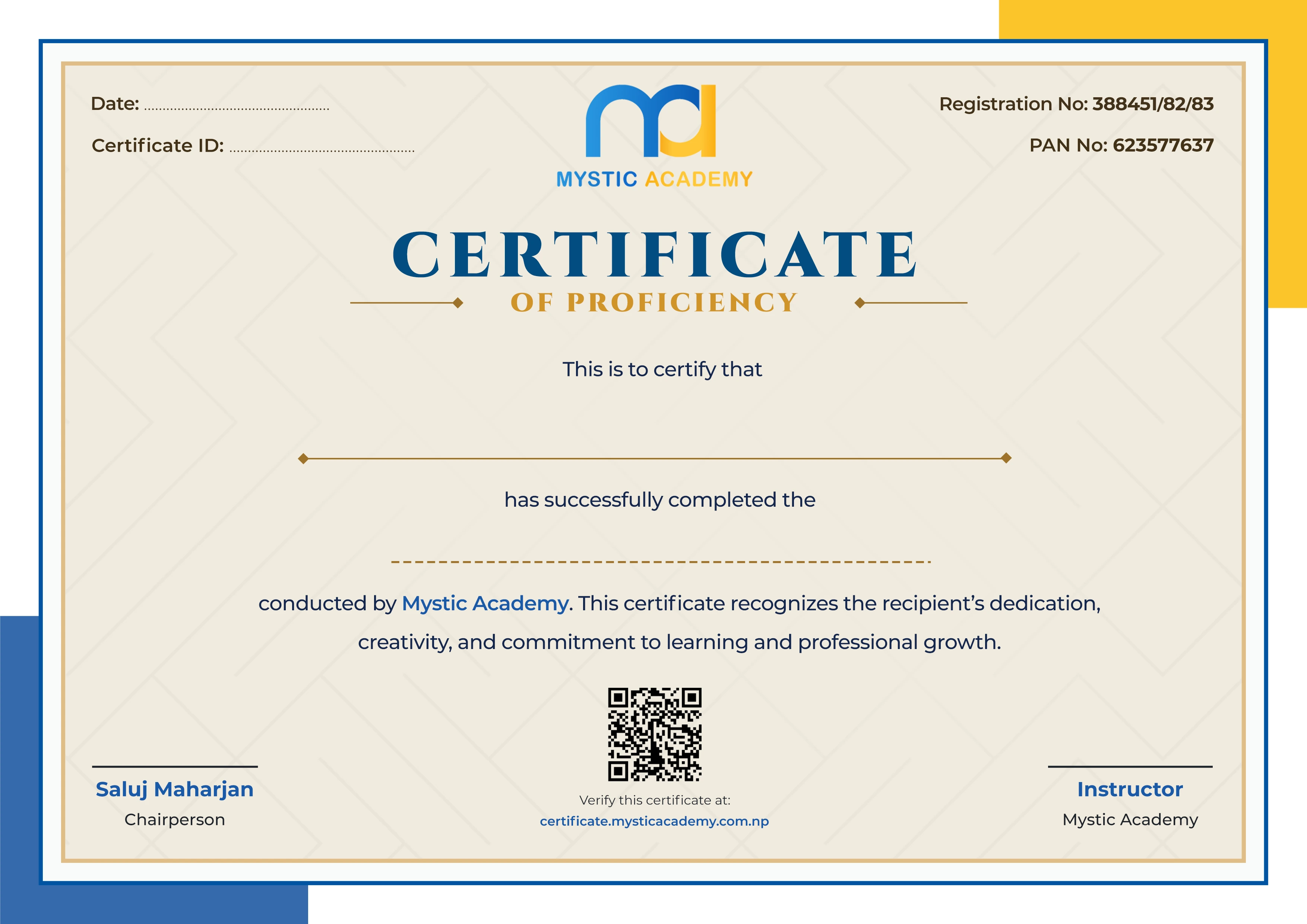
Earn a Certificate on completion
Upgrade your skills and earn a certificate that anyone can verify online. It helps you showcase your expertise and enhance your professional profile.
Already earned a certificate? Verify it here

Quick Inquiry
Choose Class Schedules :
Notification
Message goes here.